
Auto Repair Review Workflow
Google Review QR Codes for Auto Repair Shops
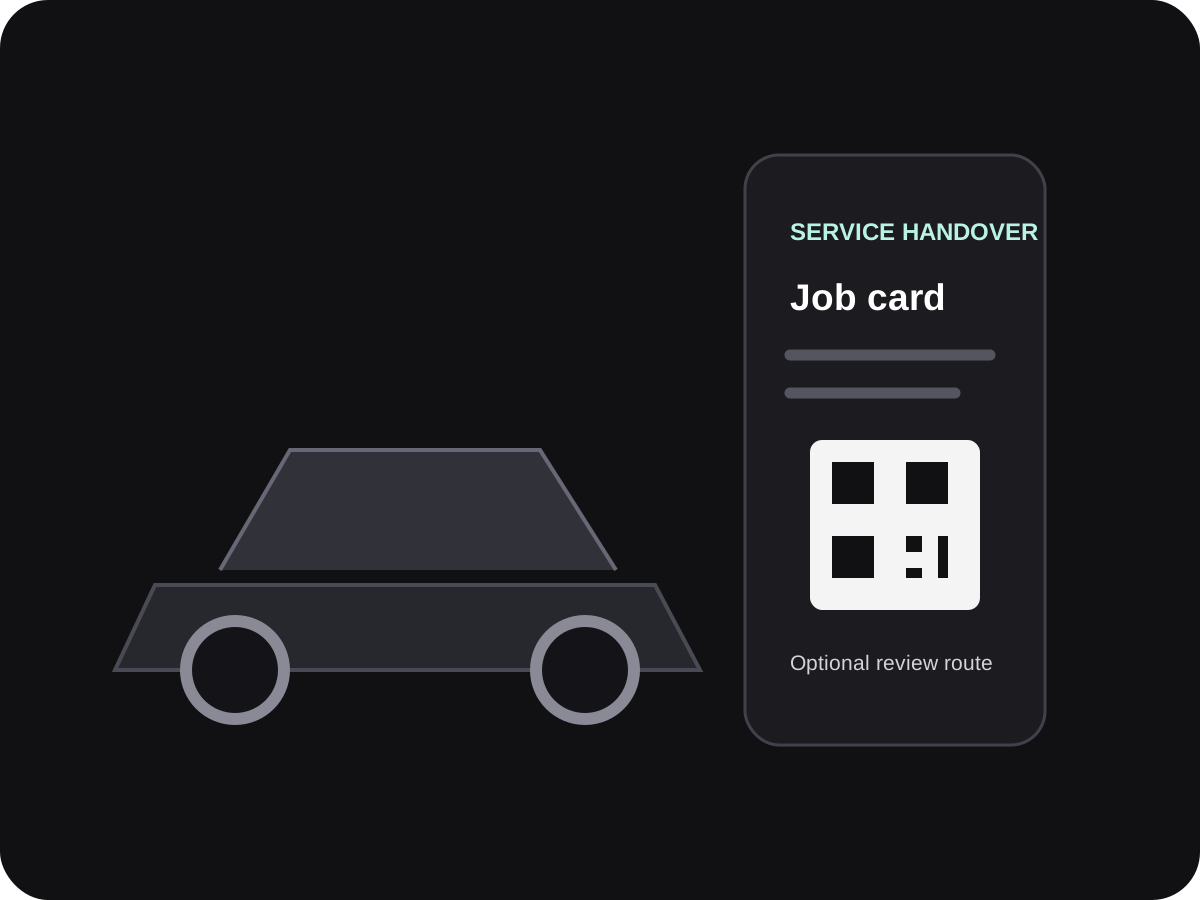
For a garage, a natural feedback moment is often vehicle handover after a repair or service. A direct review QR on the job card or invoice gives the customer a clear option without holding up pickup.
- Vehicle handover and job-card use
- Direct link for service follow-up
- Clear separation from payment QR codes
When should an auto repair shop ask for a Google review?
A repair shop can invite a customer to share honest feedback after the vehicle has been handed back and the customer has had a chance to ask questions. Put the review QR on the service record or invoice and let them scan later if they prefer.
Do not ask for a positive rating in exchange for a discount or vehicle service. Keep the review destination separate from payment and warranty instructions.
Vehicle handover is busy and detail-heavy
Customers are checking the work, collecting keys and settling a bill. A review request needs to be visible without getting in the way.
The handover has many steps
Service explanations, payment and key return take priority over a long review request.
Payment codes are everywhere
A review QR must never look like a UPI or invoice-payment code.
Different branches have different profiles
A group garage should send the customer to the correct workshop location.
Make the handover the start of a simple review journey
Complete the service interaction first. The review invitation should not interfere with explaining repairs or costs.
Explain the completed work
Review the job with the customer and answer questions before offering the optional feedback route.
Add a code to the final paperwork
Use a service-completion copy, invoice footer or customer-care card with a readable QR.
Confirm branch accuracy
Check that the code names the garage location that serviced the vehicle.
Offer the link for later
If the customer is in a hurry, a single direct link in a service follow-up may be more appropriate.
Review QR placements for a garage
Different service documents reach the customer at different moments in the repair process.
| Placement | Moment | What to avoid |
|---|---|---|
| Final job card | When the vehicle is handed back | Do not interrupt the repair explanation. |
| Invoice footer | When the customer reviews service charges | Keep the QR visibly separate from payment information. |
| Service follow-up | After the customer has driven away | Use a single clear message and the right workshop link. |
Simple ways staff can phrase the request
Use these as starting points, then let staff speak naturally.
Vehicle handover
Thanks for bringing your vehicle to [Garage]. If you wish, this code opens our Google page for feedback about the service.
On the invoice
Optional: share an honest review of your service visit on Google. Scan this code when convenient.
Service follow-up
Thank you for choosing [Workshop]. If you would like to share feedback about your visit, here is the link: [link].

A QR destination for workshop paperwork
TapQR helps auto repair businesses prepare a Google review QR code and direct link for service cards, invoices and after-visit messages.
- Give the customer one clearly labelled review route.
- Use a location-specific link for each workshop profile.
- Keep the customer in control of their review.
A simple path from setup to customer review
Use TapQR as the access layer between your physical customer moment and your Google review destination.
-
01
Select the workshop profile
Verify the exact Google listing for the garage that performed the work.
-
02
Prepare a QR and direct link
Create the destination and scan it on more than one phone before printing.
-
03
Add it to customer paperwork
Place the QR on the final job card, invoice or service follow-up material.
-
04
Invite feedback after handover
Make the request optional and keep it separate from payment, warranty or repair decisions.
A review path that fits an auto service visit
A useful handover reminder
The review destination is available after the customer has received the vehicle.
Less branch-search confusion
A direct destination can take customers to the workshop they actually visited.
Works after the visit
An invoice or direct link remains available when the customer has more time.
Where to share a garage review QR
Pick a customer document or digital touchpoint that already belongs to the service record.
- Customer copy of the completed job card
- Invoice footer away from payment details
- Vehicle collection desk or key handover folder
- Service-completion SMS or WhatsApp link
- Scheduled service thank-you email
- Workshop website contact or service-complete page
Review requests that keep automotive trust intact
A customer should be able to comment honestly without pressure or confusion about commercial terms.
Do not condition a benefit
Do not offer a service discount, accessory or warranty benefit in exchange for a review.
Avoid rating scripts
Ask for honest feedback, not a specific star rating or wording.
Keep payment separate
Give the review code a visible label and distinct appearance from the UPI payment QR.
Do not expose vehicle data
A public review prompt should not request a registration number, phone number or repair record.
Policy references: Google Business Profile Help: create a review link or QR code · Google Business Profile Help: tips to get more reviews
Continue building a better review journey
Use these guides to connect the page topic with other TapQR review workflows.
Questions people ask about this topic
Short answers for business owners comparing review links, QR codes, cards and staff workflows.
Where should a garage place its Google review QR?
A customer copy of the job card, invoice footer or key handover material can carry a clearly labelled QR after the service is complete.
Should a mechanic ask before or after explaining the repair?
Finish the repair explanation and vehicle handover first. The customer should be free to ignore the optional request.
Can a garage offer a discount for a review?
No. Do not offer incentives in exchange for posting, changing or removing Google reviews.
Can a QR code open the correct branch profile?
Yes, use and test the direct review destination for the exact workshop location. Separate branches should use the relevant profile.
Does TapQR automatically submit a review?
No. TapQR helps open the review journey; the customer chooses whether to write and post feedback.
Give vehicle owners a clear feedback option after handover
Create a workshop review QR and link for the job card, invoice or follow-up that suits your customer journey.