
Cafe QR Guide
Google Review QR Code for Cafes: Table Cards, Receipts and Takeaway Prompts
Cafes should place review QR codes where customers finish the experience: table cards after the order, billing counters, takeaway bags, coffee sleeves, receipts and pickup counters.
- Table QR cards
- Takeaway packaging prompts
- Easy ask after payment
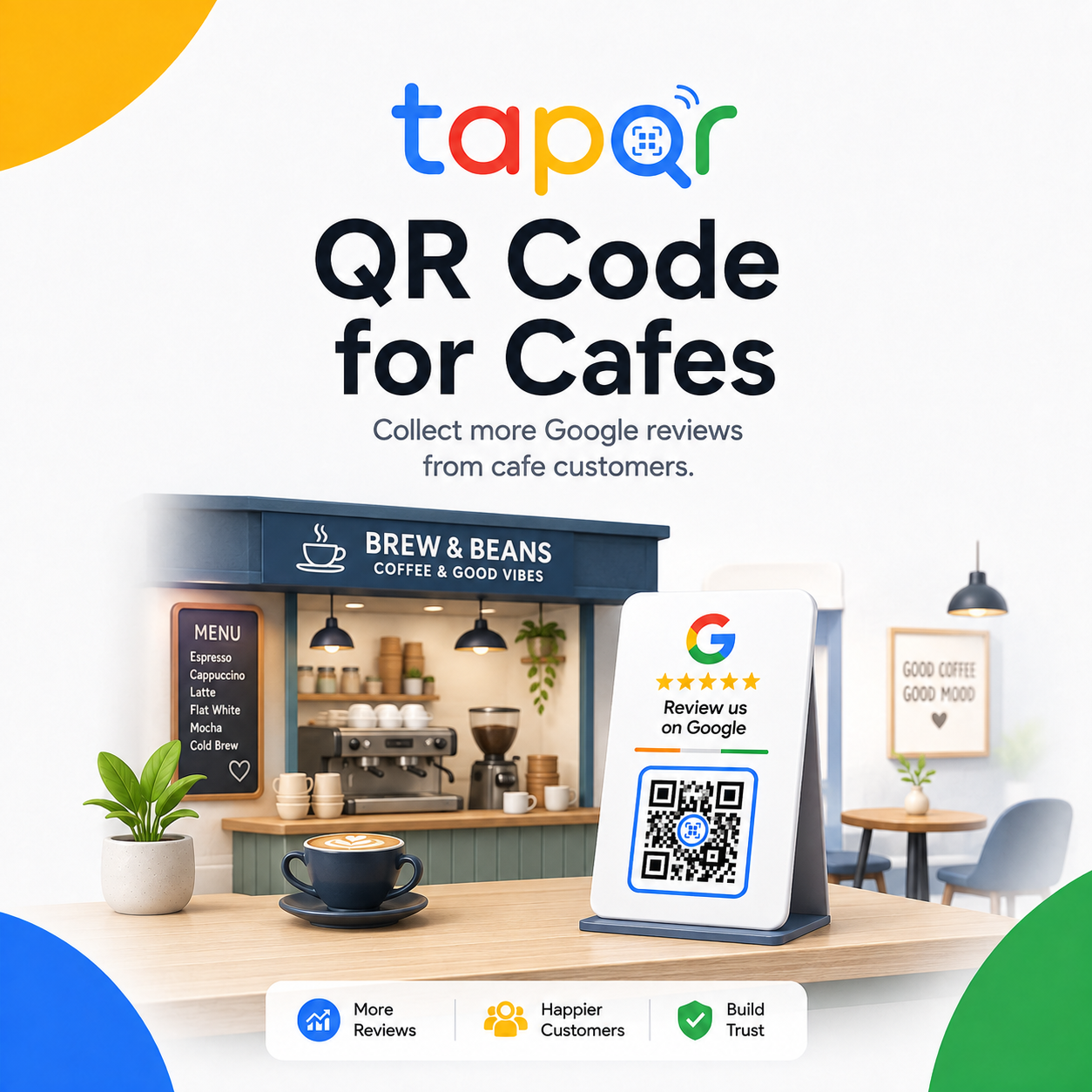
For cafes, the table and checkout counter are the strongest starting points.
A table card lets customers scan while the visit is still fresh and they are not blocking the counter. A billing-counter card works well when staff can mention it after payment.
For takeaway cafes, packaging inserts, cup sleeves and receipt QR codes can carry the review request beyond the store.
Why cafe review requests get missed
Cafe customers move through different journeys: dine-in, takeaway, delivery pickup and quick coffee runs. One placement rarely covers all of them.
Rush-hour exits are fast
A customer grabbing coffee may not have time to scan at the counter.
Table cards can get messy
Spills, crumbs and menu clutter can make a review card hard to notice or scan.
Takeaway customers leave before asking
The best review prompt may need to travel with the cup, bag or receipt.
Cafe-specific placement plan
Use different QR placements for dine-in and takeaway customers.
Use table cards for dine-in
Place a small review card near the bill holder or table number, not under menus or condiments.
Use counter prompts after payment
Let staff mention the QR after the order is complete or payment is done.
Add QR to takeaway packaging
Bag stickers, inserts and cup sleeves can reach customers who leave quickly.
Use receipt QR for quick orders
Receipts are useful when the counter is busy and staff cannot ask every customer.
Simple ways staff can phrase the request
Use these as starting points, then let staff speak naturally.
After payment
Thanks for stopping by. If you enjoyed the coffee, this QR opens our Google review page.
At the table
You can scan the table card whenever you are ready and share your cafe experience.
Takeaway handover
There is a review QR on the bag if you would like to leave feedback later.
TapQR for cafe review QR codes
TapQR helps cafes create one review QR destination for table cards, counter displays, takeaway packaging, receipts and follow-up links.
- Use the QR code on cafe table tents, takeaway cards and billing counters.
- Share the same review link after catering orders, party bookings or regular customer visits.
- Offer optional AI-assisted drafts for customers who want help describing the visit.
A simple path from setup to customer review
Use TapQR as the access layer between your physical customer moment and your Google review destination.
-
01
Create the cafe QR
Set the correct cafe Google review destination in TapQR.
-
02
Separate dine-in and takeaway
Choose table cards for dine-in and packaging or receipts for takeaway.
-
03
Train counter staff
Ask after payment, pickup or a positive comment from the customer.
-
04
Refresh physical cards
Replace stained or bent cards so the table still looks clean.
Benefits for cafes
Fits the table experience
Customers can scan without holding up the counter.
Works for takeaway
Packaging and receipts let the review request leave with the customer.
Simple staff cue
Baristas and cashiers can mention one visible QR prompt.
Cafe QR code use cases
Use placement based on order type and customer flow.
- Table QR cards near the bill holder
- Billing counter card beside the card machine
- Takeaway bag insert or sticker
- Coffee cup sleeve with short prompt
- Receipt footer QR code
- Pickup counter card for online orders
Cafe review QR best practices
Keep the prompt neat, easy to scan and timed well.
Do not interrupt the first sip
Ask near payment, pickup or after the meal rather than the moment coffee arrives.
Protect cards from spills
Use durable material and clean cards regularly.
Keep QR separate from menu QR
Label review and menu QR codes clearly so customers do not scan the wrong one.
Avoid free drink incentives
Do not tie reviews to discounts, upgrades or loyalty points.
Continue building a better review journey
Use these guides to connect the page topic with other TapQR review workflows.
Questions people ask about this topic
Short answers for business owners comparing review links, QR codes, cards and staff workflows.
Where should a cafe place a Google Review QR Code?
Good placements include table cards, billing counters, receipts, takeaway bags, cup sleeves and pickup counters.
Should cafes ask before or after payment?
After payment or after the customer has enjoyed the order is usually more natural.
Can I put the review QR code on coffee cups?
Yes, if the code remains large enough, clear and easy to scan on the cup or sleeve.
Should the review QR be near the menu QR?
It can be nearby, but label both clearly so customers do not confuse the actions.
Can TapQR work for multiple cafe branches?
Use separate review destinations for separate Google Business Profile locations.
Create a cafe review QR customers can scan easily
TapQR helps cafes use a Google Review QR Code on table cards, counters, receipts, cups and takeaway packaging.