
QR Code Guide
Google Review QR Code: Make Leaving Reviews Easier for Customers
A Google review QR code turns a review destination into something customers can open with their phone camera. This page explains the workflow and when it helps.
- Scan from a physical prompt
- Open the review destination
- Let customers write in their own words

A Google review QR code sends customers toward your review destination.
The QR code itself is not the review. It is the entry point. Customers scan it, open the destination on their phone and choose whether to leave feedback.
TapQR is not presented here as a free QR generator. It is a review access tool that helps businesses create and use review QR journeys in real customer settings.
Why fewer steps matter
Every extra step between the customer and the review page creates a chance for drop-off.
Search adds uncertainty
Customers may find a similarly named listing or give up before reaching the review box.
Typing links is slow
Long URLs on printed materials are rarely convenient.
Delayed reminders lose context
The customer may not remember the details of the visit by the time a message arrives.
Where to place Google review QR codes
The best QR placement depends on where the customer has a natural pause.
Printed cards
Useful for packaging, service handovers and small counters.
Counter stands
Better when you want the prompt to stay visible and upright.
Receipts and invoices
Works well when the customer reviews later from a printed or digital document.
Posters near exit points
Helpful when customers wait near reception or checkout before leaving.
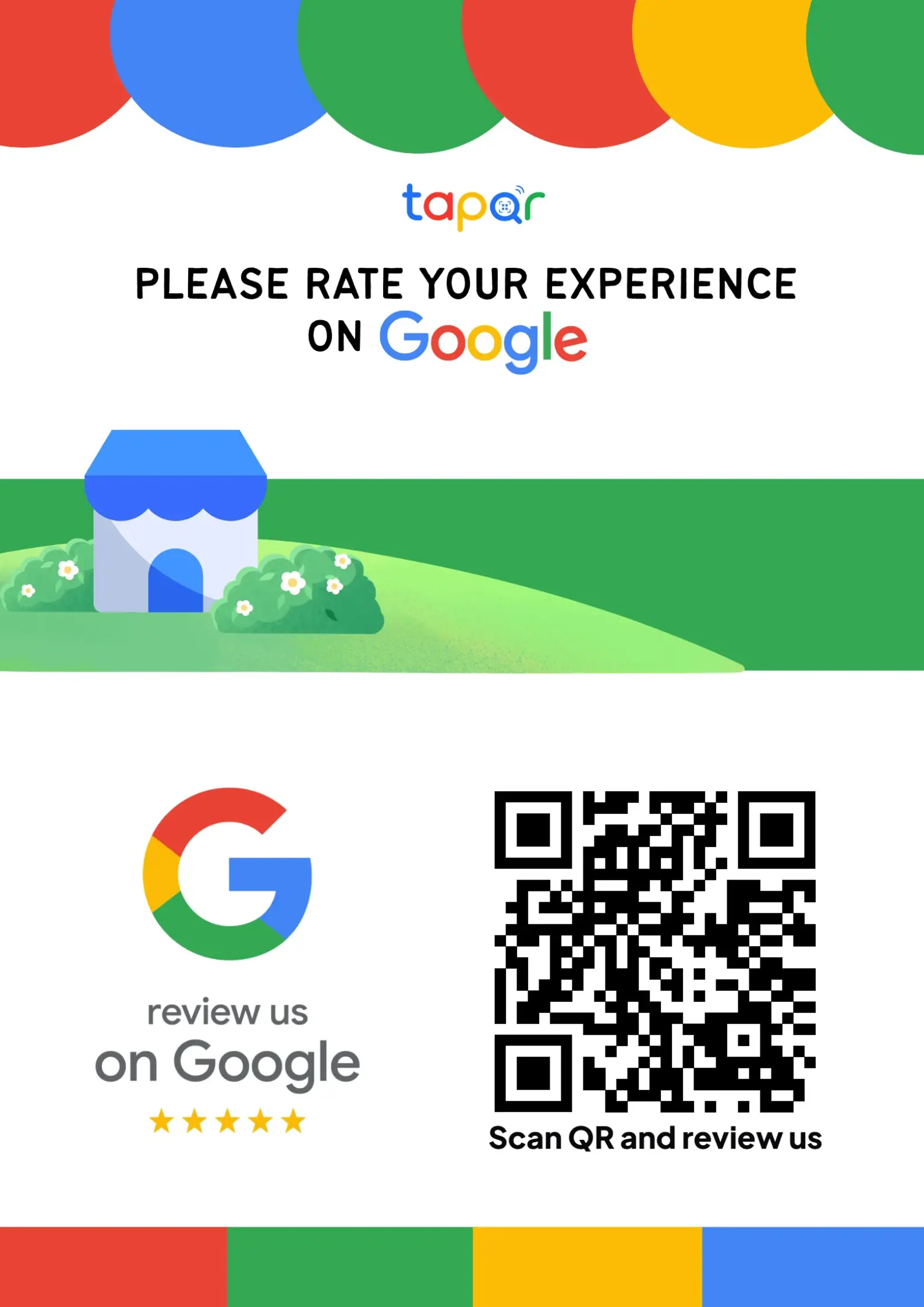
TapQR solution for QR-based review access
TapQR helps businesses create Google review QR codes, direct review links and printable poster assets. Depending on your setup, customers can also get optional AI-assisted wording help based on their own experience.
- Create a scannable path from a physical prompt to the review destination.
- Use the QR code on posters, cards, stands, receipts or customer follow-ups.
- Keep the final review choice and wording with the customer.
A simple path from setup to customer review
Use TapQR as the access layer between your physical customer moment and your Google review destination.
-
01
Create the TapQR destination
Set the review destination for your business.
-
02
Download or print the QR prompt
Use it on the physical or digital materials customers see.
-
03
Customer scans
The phone opens the review flow without a manual search.
-
04
Customer decides
They write, edit and choose whether to post feedback.
Benefits of a review QR code
Practical for offline businesses
It connects physical customer moments to an online review destination.
Easy for staff to explain
A staff member can simply point to the code after a good experience.
Works across materials
The same destination can appear on cards, stands, receipts and posters.
Printed vs digital use
Use QR codes in print and direct links in digital messages.
- Counter posters
- Table cards
- Reception signs
- Takeaway packaging
- Printed invoices
- Website review buttons
Common QR mistakes
Small details can decide whether the QR code is easy or annoying to use.
Do not make the QR code tiny
A QR code that is too small or low contrast may fail when scanned from normal distance.
Do not hide the purpose
Customers should know the code opens a review journey before they scan.
Do not place it in glare
Reflective counters, glass and bright light can reduce scan reliability.
Do not forget mobile testing
Scan the code from multiple phones before printing it widely.
Continue building a better review journey
Use these guides to connect the page topic with other TapQR review workflows.
Questions people ask about this topic
Short answers for business owners comparing review links, QR codes, cards and staff workflows.
What does a Google review QR code do?
It lets customers scan with a phone and open the review destination without manually searching for the business.
Is this page a free QR code generator?
No. This page explains review QR code strategy and how TapQR supports review access.
Where can I print a review QR code?
You can use it on cards, stands, posters, receipts, invoices, packaging and other customer-facing materials.
Do customers need a special app?
Most customers can scan QR codes using the camera app on modern smartphones.
Can TapQR help with Google review QR codes?
Yes. TapQR helps create QR-based access to your Google review destination and supports printable review prompts.
Can a QR code guarantee more reviews?
No. It reduces friction, but customers still choose whether to leave feedback.
Create a clearer review QR journey
TapQR helps customers move from a physical scan point to your review destination with fewer steps.