
Dealership QR Guide
Google Review QR Code for Car Dealerships and Auto Showrooms
Car dealerships have several high-value review moments: test-drive follow-up, booking support, vehicle delivery, service center checkout, invoice desk and ownership handover. A QR code should match each moment carefully.
- Showroom desk prompts
- Vehicle delivery handover
- Service center review cards
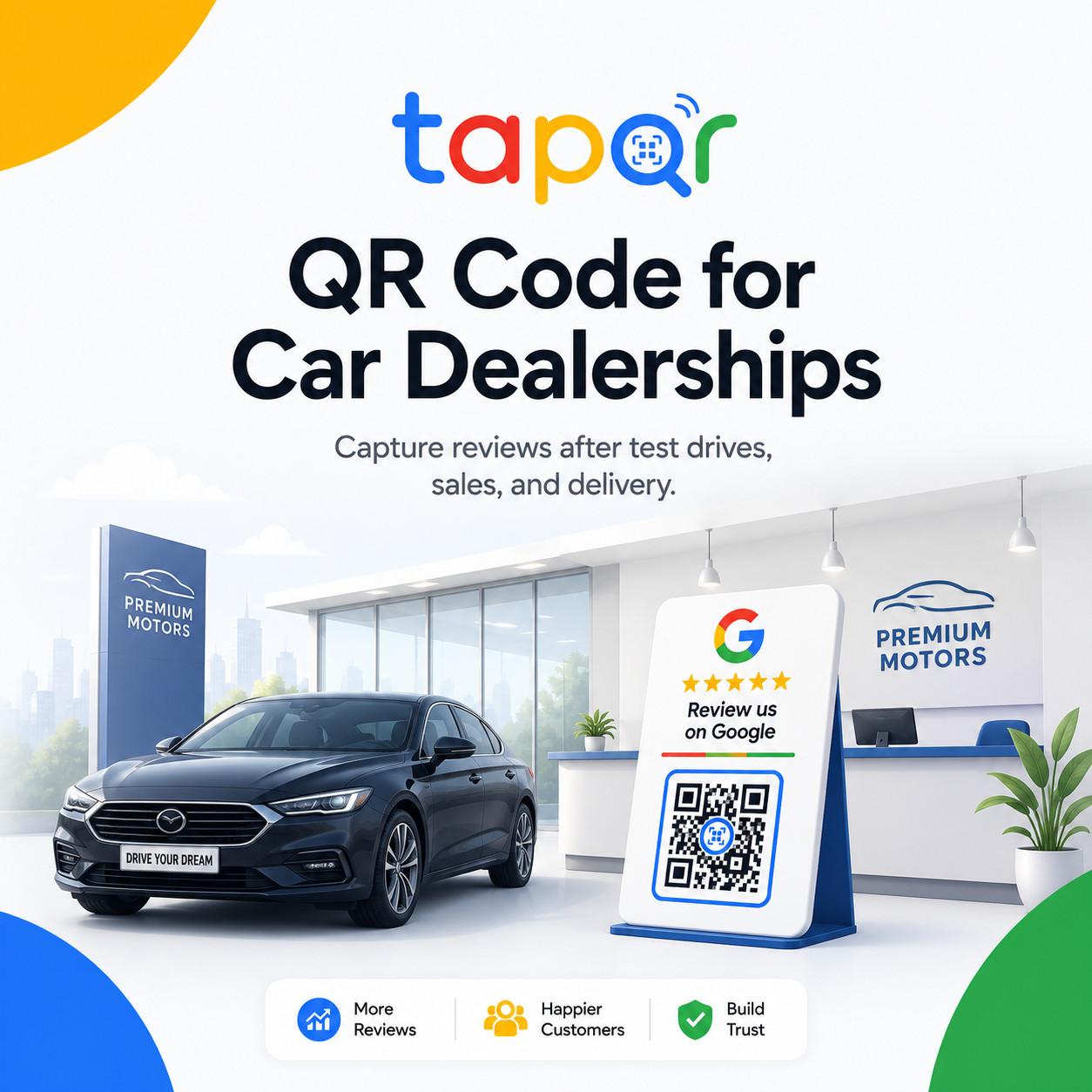
Use dealership QR codes after completion, not during negotiation.
A review request during price discussion or paperwork can feel premature. Better timing is after a helpful test drive, completed purchase, delivery ceremony, service handover or support resolution.
Separate showroom and service center placements if customers are reviewing different parts of the dealership experience.
Why dealership review workflows need more care
Car buying and servicing involve several teams, longer decisions and more emotional moments than a quick retail checkout.
Timing can feel sensitive
Asking while finance, discount or delivery paperwork is unresolved can feel like pressure.
Sales and service experiences differ
A customer may want to review the salesperson, delivery team or service advisor for different reasons.
Multiple desks create link confusion
Showroom, service and branch-specific profiles need clear QR ownership.
Dealership placement plan
Place QR prompts where the customer has a complete experience to review.
Showroom consultation desk
Use a small QR card for customers who had a helpful visit or test drive, after the conversation ends.
Delivery ceremony table
Place a polished review card near the handover folder or photo area after delivery is complete.
Service center checkout
Use the QR at the advisor desk when the vehicle has been returned and the customer understands the work done.
Invoice and reception desk
Add a QR code to invoices or reception cards for customers who prefer to review later.
Simple ways staff can phrase the request
Use these as starting points, then let staff speak naturally.
Vehicle delivery
Congratulations on your car. If the delivery experience was helpful, this QR opens our Google review page.
Service center
Your service is complete. You can scan this if you would like to share feedback about the visit.
Test drive follow-up
Thank you for visiting the showroom. Here is our review link if you would like to share your experience.
TapQR for car dealerships
TapQR helps dealerships create a Google review QR path for showroom cards, service desks, delivery folders, invoices and follow-up links.
- Use QR review cards at sales, service and delivery touchpoints.
- Share direct review links after test drives, delivery and service completion.
- Keep the request optional and connected to the real customer experience.
A simple path from setup to customer review
Use TapQR as the access layer between your physical customer moment and your Google review destination.
-
01
Map dealership moments
List sales, service, delivery and follow-up touchpoints separately.
-
02
Create the QR destination
Set the correct branch or dealership review link in TapQR.
-
03
Place cards by team
Use showroom desks, delivery desks and service counters with clear ownership.
-
04
Ask after completion
Train staff to invite feedback after the visit, service or delivery is complete.
Benefits for dealerships
Better handover timing
The request fits natural moments such as vehicle delivery and service completion.
Clearer team workflow
Sales, delivery and service staff know which QR prompt to use.
Professional physical format
A polished card can match the high-consideration nature of car buying.
Car dealership QR use cases
Use QR cards where the dealership experience is complete and the customer is not rushed.
- Showroom sales desk
- Vehicle delivery ceremony table
- Service center advisor desk
- Invoice and reception desk
- Handover folder insert
- WhatsApp follow-up after delivery or service
Dealership review QR best practices
Keep the request respectful, especially around purchase decisions and service issues.
Do not ask during negotiation
Wait until the customer experience is complete and there is no unresolved pressure.
Separate sales and service context
Use wording that matches the touchpoint: showroom visit, delivery or service appointment.
Avoid scripted staff mentions
Invite honest feedback without asking customers to name specific people or write specific content.
Retest branch links
Dealership groups should make sure each QR opens the correct showroom or service location.
Continue building a better review journey
Use these guides to connect the page topic with other TapQR review workflows.
Questions people ask about this topic
Short answers for business owners comparing review links, QR codes, cards and staff workflows.
Where should car dealerships place Google review QR codes?
Good locations include showroom desks, vehicle delivery tables, service center counters, invoices, reception desks and follow-up messages.
When should a car dealer ask for a review?
Ask after a completed test drive conversation, vehicle delivery, service appointment or support resolution, not during negotiation.
Can service centers use a separate QR code?
Yes. If the service center has a separate profile or workflow, use a separate QR destination.
Should staff ask customers to mention their name?
It is better to ask for honest feedback without requesting specific content.
Can TapQR be used in a delivery folder?
Yes. A QR card or printed insert in the handover folder can link to the review destination.
Create a dealership review QR flow
TapQR helps car dealerships use review QR codes at showroom, delivery, service and follow-up touchpoints.