
Dental Clinic Review Cards
Google Review Cards for Dental Clinics
For dental clinics, reviews can help future patients understand the clinic experience, communication and professionalism. The request should be calm, optional and placed at the right moment.
- Professional reception placement
- Patient-friendly wording
- No medical outcome claims
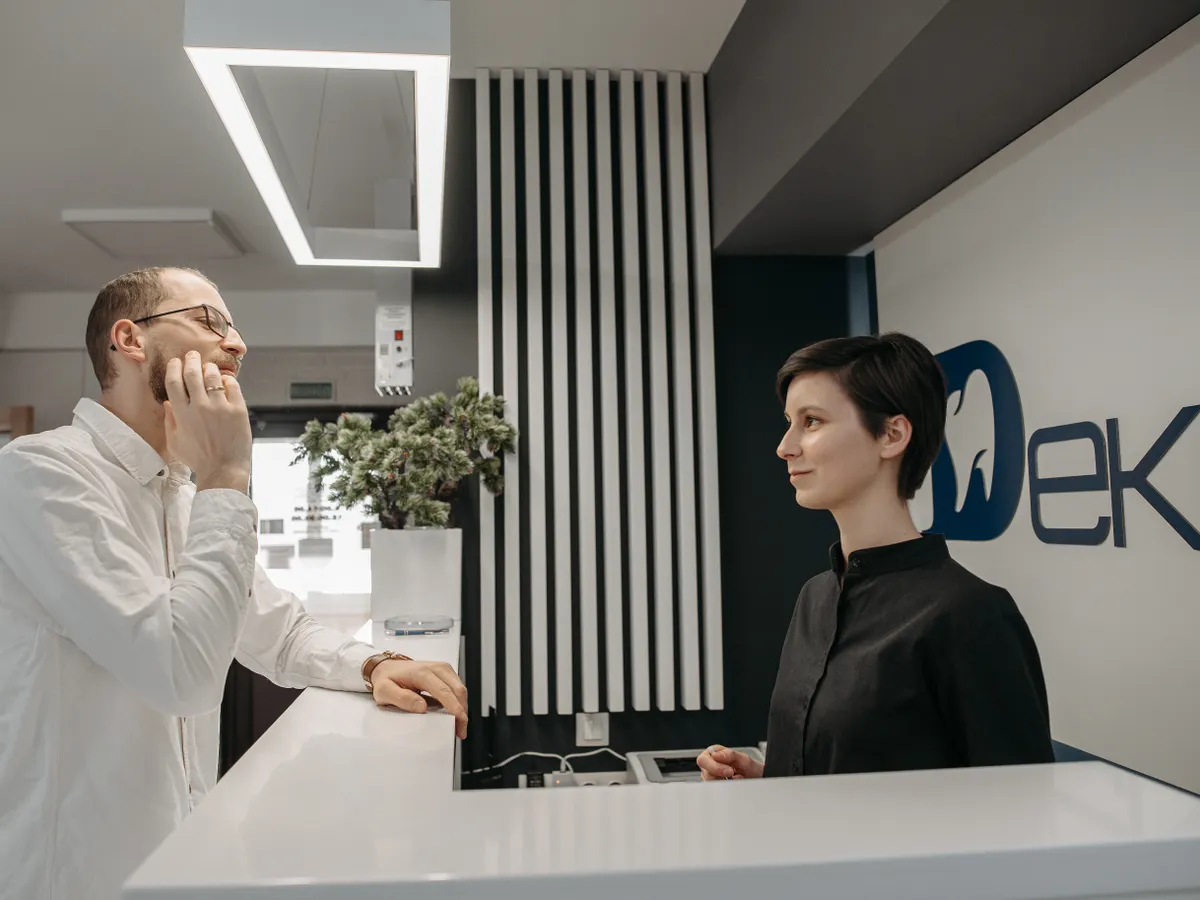
Dental review cards should support trust without pressure.
A dental clinic can place a Google review card at reception or checkout so patients can scan after their appointment.
The wording should ask for honest feedback about the experience, not make claims about treatment outcomes or pressure patients to post.
Why dental clinics need a careful review workflow
Healthcare-related environments require a more measured tone than retail or hospitality.
Patients may be in a hurry
After an appointment, patients may be managing payment, next visits or transport.
The request can feel sensitive
Feedback should remain optional and should not involve private medical details.
Reception has many tasks
Staff need a simple cue that does not disrupt appointment flow.
Dental clinic placement ideas
Keep the prompt visible but calm and professional.
Reception desk
Patients can scan after appointment wrap-up or while waiting for paperwork.
Checkout counter
A small review stand can sit near payment or follow-up scheduling.
Waiting area
A subtle card can explain that patient experience feedback is welcome.
Follow-up message
A direct link can be sent after the visit when appropriate.

TapQR for dental clinics
TapQR helps dental clinics create QR-based review access for reception and checkout touchpoints. The customer remains in control of whether and what to write.
- Use a QR code or direct link that points to the clinic review destination.
- Keep staff wording simple and experience-focused.
- Use optional AI-assisted drafts only for patient-provided experience details and avoid medical claims.
A simple path from setup to customer review
Use TapQR as the access layer between your physical customer moment and your Google review destination.
-
01
Create the review path
Set up the Google review destination in TapQR.
-
02
Place it at reception
Use a professional card or stand near checkout.
-
03
Ask after the appointment
Invite honest feedback about the visit experience.
-
04
Respect patient choice
Let patients decide whether to review and what to include.
Benefits for dental clinics
Professional review access
Patients receive a clear path without being asked to search manually.
Reception-friendly workflow
Staff can mention the card quickly during checkout.
Trust-focused feedback
Reviews can describe communication, cleanliness, punctuality and staff support.
Dental clinic use cases
Choose touchpoints that respect patient comfort.
- Reception desk cards
- Checkout counter stands
- Appointment follow-up messages
- Waiting area prompts
- Printed invoice QR codes
- Post-consultation feedback invitations
Dental review best practices
Keep the request compliant with common sense and patient privacy expectations.
Avoid medical outcome promises
Ask about the visit experience rather than implying treatment results.
Protect privacy
Do not ask patients to include private health details in public reviews.
Use calm wording
A line like Your honest feedback helps future patients is enough.
Keep it optional
Patients should never feel that a review affects care or follow-up.
Continue building a better review journey
Use these guides to connect the page topic with other TapQR review workflows.
Questions people ask about this topic
Short answers for business owners comparing review links, QR codes, cards and staff workflows.
Can dental clinics ask patients for Google reviews?
Dental clinics can invite honest feedback, but the request should be optional, professional and mindful of privacy.
Where should a dental clinic place review cards?
Reception, checkout, waiting areas and follow-up messages are common touchpoints.
What should dental staff say?
Use a short line such as Your honest feedback helps future patients understand our clinic experience.
Should patients mention treatment details?
Patients should choose what to share, and clinics should avoid asking for private medical details.
How does TapQR help dental clinics?
TapQR provides QR-based review access that can be used on cards, stands and direct follow-up links.
Can TapQR guarantee more patient reviews?
No. TapQR can reduce access friction, but reviews remain the patient choice.
Create a professional dental review prompt
TapQR helps dental clinics provide a simple, respectful path to their review destination.