
Spa QR Guide
Google Review QR Code for Spas: Reception, Checkout and Follow-Up Ideas
Spas should ask for reviews after the treatment is complete and the guest is not rushed. The best QR placements are reception checkout, product bags, appointment follow-ups, membership desks and calm waiting areas.
- Reception checkout cards
- Post-treatment follow-up links
- Spa-friendly wording and timing
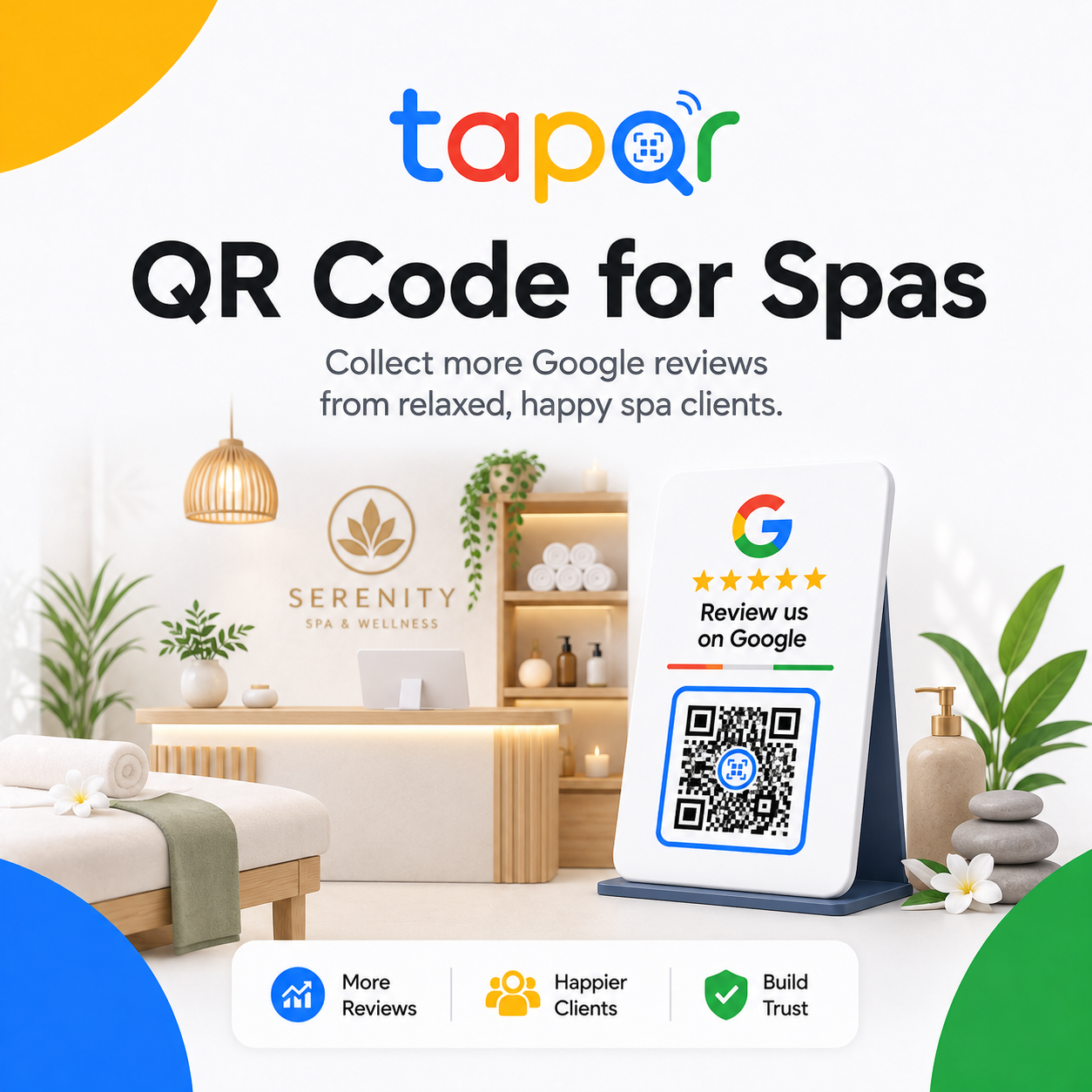
For spas, timing matters more than visibility alone.
A review QR code near checkout works well because the guest has completed the service and can decide whether to scan. Follow-up links also work because many guests prefer to respond after leaving.
Avoid placing review prompts inside moments meant for privacy or relaxation unless the wording is subtle and clearly optional.
Why spa review requests can feel awkward
Spa guests often value privacy, calm and personal comfort. The review request should respect that experience.
Treatment rooms are private
A review card inside the room can feel intrusive if it is too promotional or poorly timed.
Checkout can be quiet
Staff may not want to disturb the relaxed tone with a long review script.
Cards can wear quickly
Oils, water and product residue can damage printed review cards near treatment areas.
Spa-specific placement plan
Use calm placements and gentle staff wording.
Reception checkout card
Place a clean QR card near payment where the therapist or receptionist can mention it once.
Product bag insert
Add a small review card when guests purchase oils, skincare or aftercare products.
Appointment follow-up link
Send the direct review link in a short thank-you message after the visit.
Membership desk prompt
Use a review card after package renewals, consultation or membership support.
Simple ways staff can phrase the request
Use these as starting points, then let staff speak naturally.
After treatment checkout
I hope the session was relaxing. If you would like to share feedback, this QR opens our Google review page.
Follow-up message
Thank you for visiting us. Here is our review link if you would like to share your experience later.
Product purchase
There is a small QR card in the bag in case you want to leave feedback after your visit.

TapQR for spa review QR codes
TapQR helps spas create a review QR code and direct review link for reception, checkout, product bags, appointment follow-ups and membership conversations.
- Use one QR review path for reception cards and printed inserts.
- Share the direct link in post-appointment WhatsApp or SMS messages.
- Keep the guest in control of what they write and whether they post.
A simple path from setup to customer review
Use TapQR as the access layer between your physical customer moment and your Google review destination.
-
01
Create the spa QR
Set the correct spa or wellness center review destination in TapQR.
-
02
Choose calm placements
Use reception, checkout, product bags and follow-up messages before treatment-room prompts.
-
03
Use soft wording
Ask for honest feedback without making the guest feel observed or pressured.
-
04
Maintain card quality
Replace cards affected by water, oil, stains or fading.
Benefits for spas
Respectful review timing
The request happens after the guest has experienced the service.
Works with follow-up care
The review link can sit naturally beside aftercare or appointment thank-you messages.
Cleaner staff workflow
Reception teams can mention the QR with one calm sentence.
Spa QR code use cases
Use placements that preserve the service mood and guest comfort.
- Reception checkout QR card
- Post-treatment WhatsApp follow-up
- Product bag insert
- Membership or package renewal desk
- Waiting area card with subtle wording
- Printed appointment receipt or invoice
Spa review QR best practices
The review request should feel as polished as the service.
Do not ask before treatment
The guest needs to experience the service before reviewing it.
Respect privacy
Do not ask guests to describe personal treatments or private details in public reviews.
Use durable materials
Spa environments can damage paper cards quickly, so use clean, replaceable or protected cards.
Avoid reward-based requests
Do not offer discounts, upgrades or free add-ons in exchange for reviews.
Continue building a better review journey
Use these guides to connect the page topic with other TapQR review workflows.
Questions people ask about this topic
Short answers for business owners comparing review links, QR codes, cards and staff workflows.
Where should a spa place a Google Review QR Code?
Good placements include reception checkout, product bags, appointment receipts, waiting areas and post-appointment follow-up messages.
When should spa staff ask for a review?
Ask after the treatment is complete, during checkout or in a gentle follow-up message.
Can the review QR code be placed in treatment rooms?
It can be placed subtly, but reception and follow-up placements are often more comfortable for guests.
What should a spa review card say?
Use calm wording such as Share your experience on Google or Your honest feedback helps our team.
Can spas use the same approach as salons?
Yes, but spas should pay extra attention to privacy, treatment timing and a calmer tone.
Create a spa review QR code that feels natural
TapQR helps spas use Google review QR codes at reception, checkout, product handover and post-appointment follow-up points.