
Restaurant Review Cards
Google Review Cards for Restaurants
Restaurant reviews are shaped by timing. If a guest enjoyed the meal, the easiest moment to ask is often before they leave the table, pay the bill or pick up their order.
- Table and bill placement
- Takeaway counter prompts
- Short staff workflow
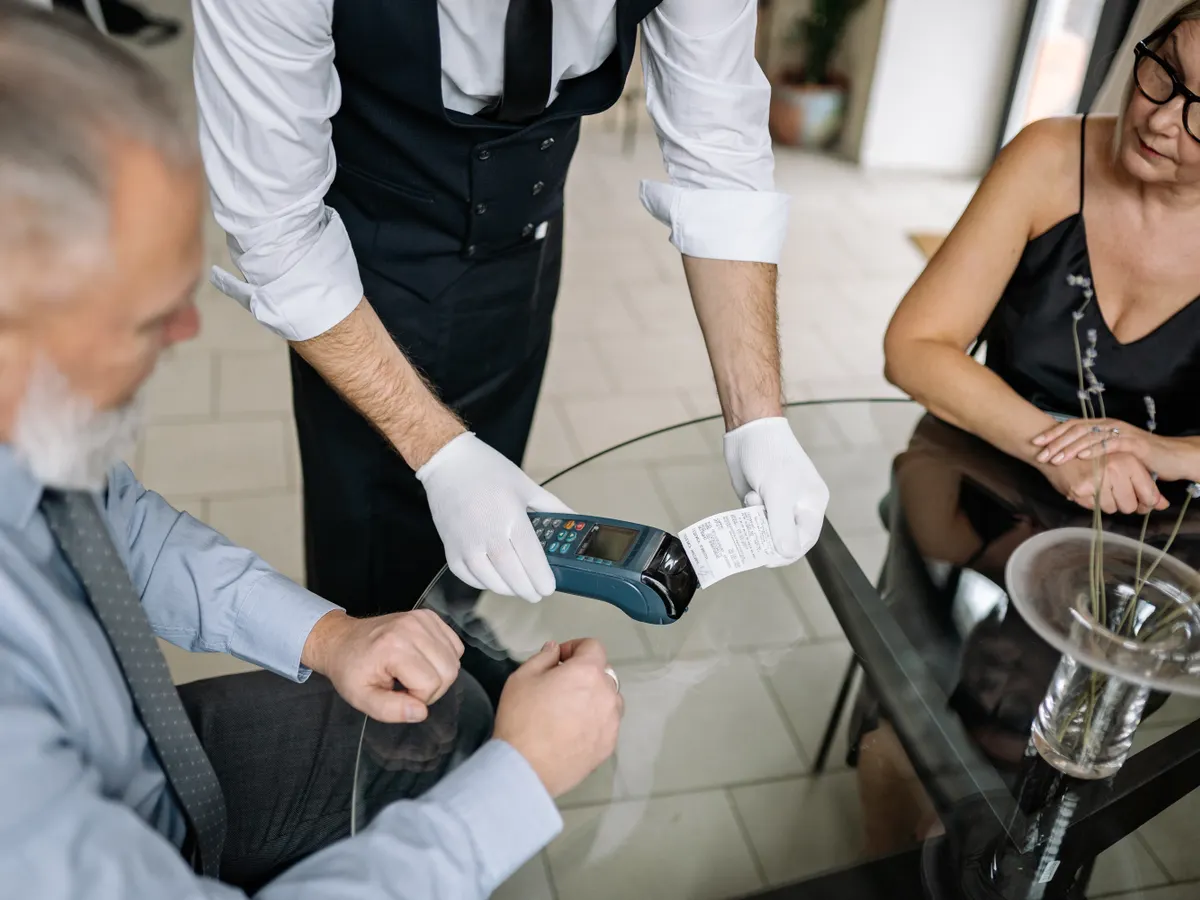
Restaurant review cards work best near the end of the meal.
A card on the table, bill tray or counter gives diners a simple scan point when they are already thinking about the experience.
The request should be brief. Thank the guest, invite honest feedback and point to the card.
Why restaurants miss review opportunities
Guests may enjoy the food but move quickly once the bill arrives or the order is picked up.
The table turns over quickly
Busy service leaves little time for staff to explain how to find the review page.
Takeaway guests leave fast
Pickup customers may not sit down long enough for a conversation.
Feedback gets delayed
After a guest reaches home, the review request competes with the rest of the day.
Restaurant placement ideas
Use cards where guests naturally wait or look down.
Dining tables
A small card can invite feedback after the meal without interrupting conversation.
Bill tray or bill folder
The review request appears at a natural closing moment.
Takeaway counter
Pickup guests can scan while the order is packed or handed over.
Receipt area
A QR code on printed or digital receipts can support later reviews.
TapQR for restaurants
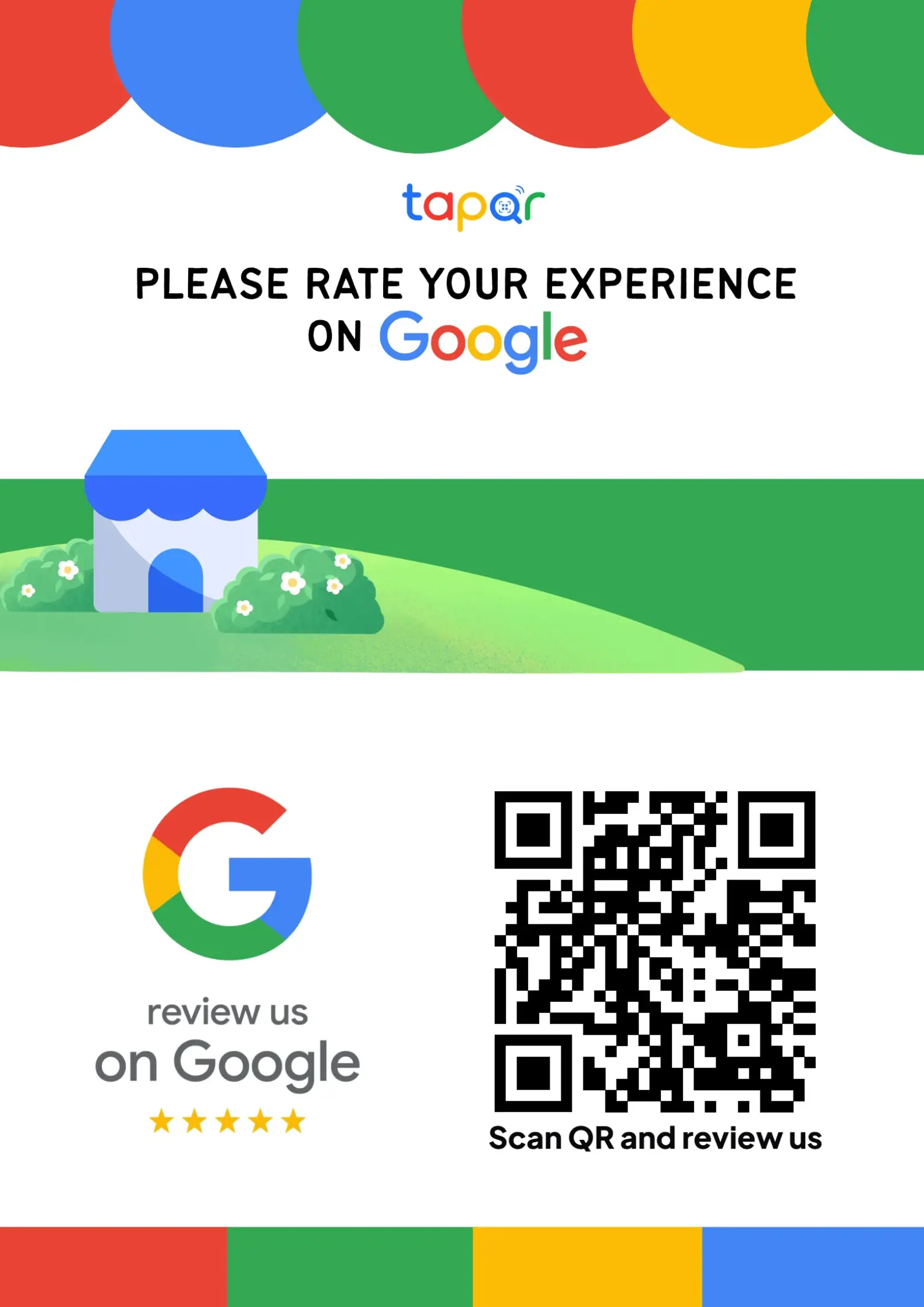
TapQR helps restaurants create review QR prompts that can be used on table cards, bill folders, counter stands and takeaway inserts.
- Use a QR code that sends guests toward the Google review destination.
- Give staff one simple review prompt to mention at billing or handover.
- Offer optional AI-assisted draft help when guests want help phrasing their dining experience.
A simple path from setup to customer review
Use TapQR as the access layer between your physical customer moment and your Google review destination.
-
01
Set the restaurant review destination
Create the TapQR path for your Google review flow.
-
02
Place cards at key moments
Use tables, bill trays, counters or takeaway bags.
-
03
Ask after a good interaction
Servers can mention the card after the guest compliments the food or service.
-
04
Keep cards fresh
Replace stained or damaged cards so the prompt looks professional.
Benefits for restaurant teams
Fits table service
The card can sit near the dining experience without needing a long explanation.
Supports takeaway
Customers who do not dine in still receive a clear review path.
Helps busy staff
The card gives servers and cashiers a quick visual cue.
Restaurant use cases
Choose placements that match how your restaurant serves guests.
- Table tents after the meal
- Bill folders at checkout
- Counter stands near the payment machine
- Takeaway bag inserts
- QR code on receipts
- Cafe pickup counter cards
Restaurant review request tips
Good timing matters more than asking every guest at random.
Ask after a compliment
If a guest says the food or service was good, that is a natural time to mention the card.
Do not interrupt dining
Let guests enjoy the meal. Place the card clearly and ask near the end.
Use simple table copy
A short line is easier to read than a long appeal.
Keep the QR code away from stains
Food, water and oil can make cards harder to scan.
Continue building a better review journey
Use these guides to connect the page topic with other TapQR review workflows.
Questions people ask about this topic
Short answers for business owners comparing review links, QR codes, cards and staff workflows.
Where should restaurants place Google review cards?
Good placements include dining tables, bill folders, billing counters, takeaway counters and receipt areas.
When should restaurant staff ask for a review?
Near the end of a positive meal, after a compliment, at billing or during takeaway handover.
Can review cards work for takeaway restaurants?
Yes. Cards or QR inserts can be placed near pickup counters, packaging or receipts.
Should the card ask guests for five stars?
It is better to ask for an honest Google review and let the guest decide the rating.
How does TapQR help restaurants?
TapQR provides a QR-based path to the review destination and supports printable prompts for restaurant touchpoints.
Do diners need to install an app?
Most customers can scan the QR code with their phone camera and continue from their phone.
Make restaurant reviews easier at the table or counter
TapQR helps restaurants give guests a simple review path while the dining experience is still fresh.