
Small Business QR Guide
Google Review QR Code for Small Business and Local Shops
A small business does not need a complicated review system. It needs one reliable way for real customers to reach the correct Google review page after a good visit, purchase, appointment or service call.
- Simple local workflow
- Useful for counters and follow-ups
- Works with staff-assisted asking
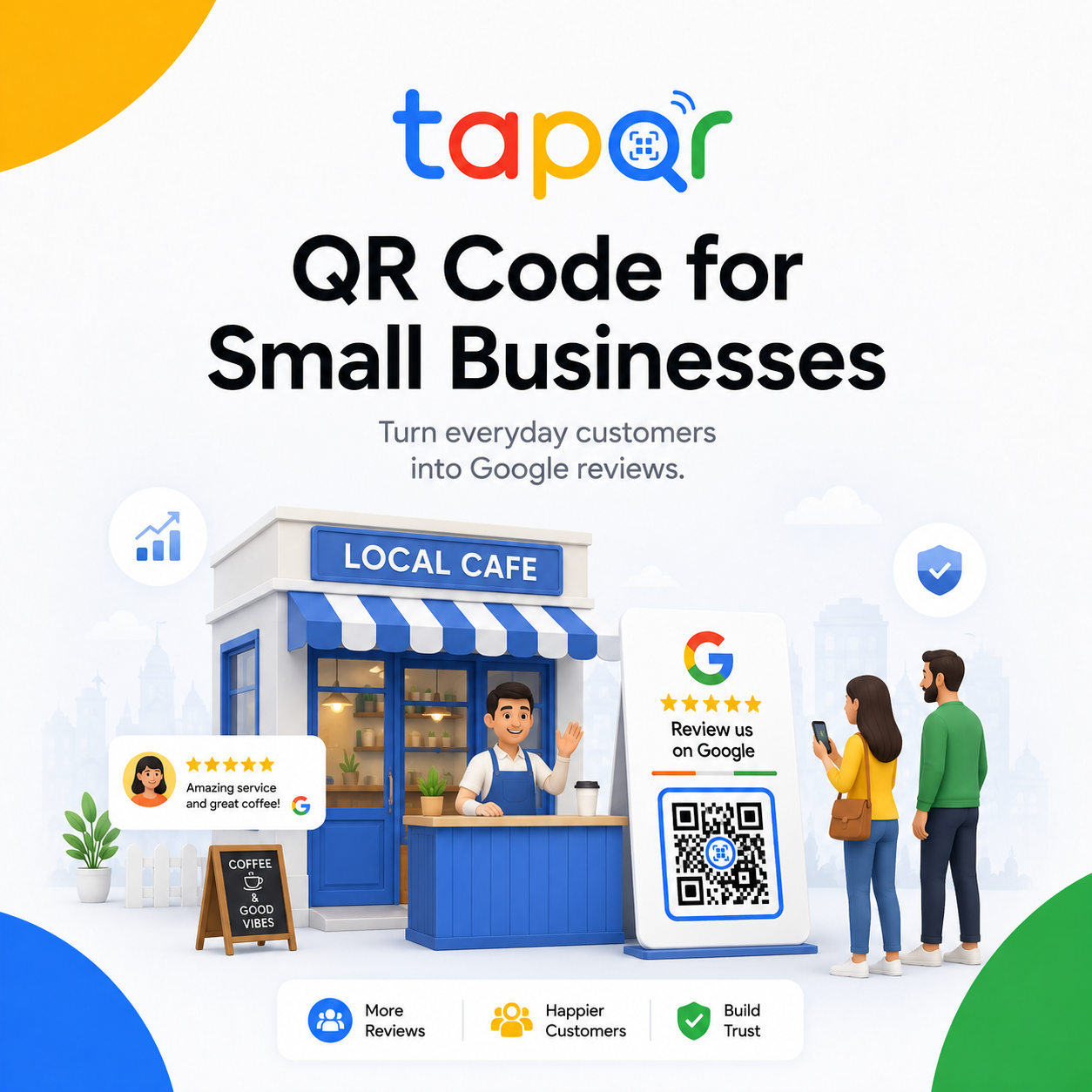
The best small-business QR setup is simple and repeatable.
Use one tested Google review QR code, place it at the customer handover point and give staff a short phrase to use after a positive interaction.
For local businesses, QR codes work best when paired with a direct link for WhatsApp, SMS or email follow-up so customers can respond later if they are in a hurry.
Why small businesses struggle with review collection
The usual problem is inconsistency. The owner asks sometimes, staff forget sometimes, and customers are left to search manually.
No clear owner of the process
If nobody checks the QR code, card condition or staff wording, the workflow slowly stops being used.
Customers leave quickly
Retail, repair and appointment businesses often have only a short handover window.
Digital links are scattered
Different staff may send different links, which can create confusion if the business has more than one profile.
A practical small business review workflow
Set up one clear system that staff can remember during busy hours.
Use one review destination
Confirm the exact Google Business Profile and avoid sending customers to search pages or old links.
Pick two physical placements
Start with the billing counter and one second touchpoint such as receipt, packaging or reception.
Add one digital follow-up
Use the same review link in a short WhatsApp or email thank-you message.
Review it weekly
Scan the QR, check card condition and make sure staff still know the wording.
Simple ways staff can phrase the request
Use these as starting points, then let staff speak naturally.
After checkout
Thanks for visiting. If you have a minute later, this QR code opens our Google review page.
After repair or service
I am glad we could help. You can scan this code if you would like to share honest feedback.
Follow-up message
Thank you for choosing us. Here is our Google review link in case you would like to share your experience.
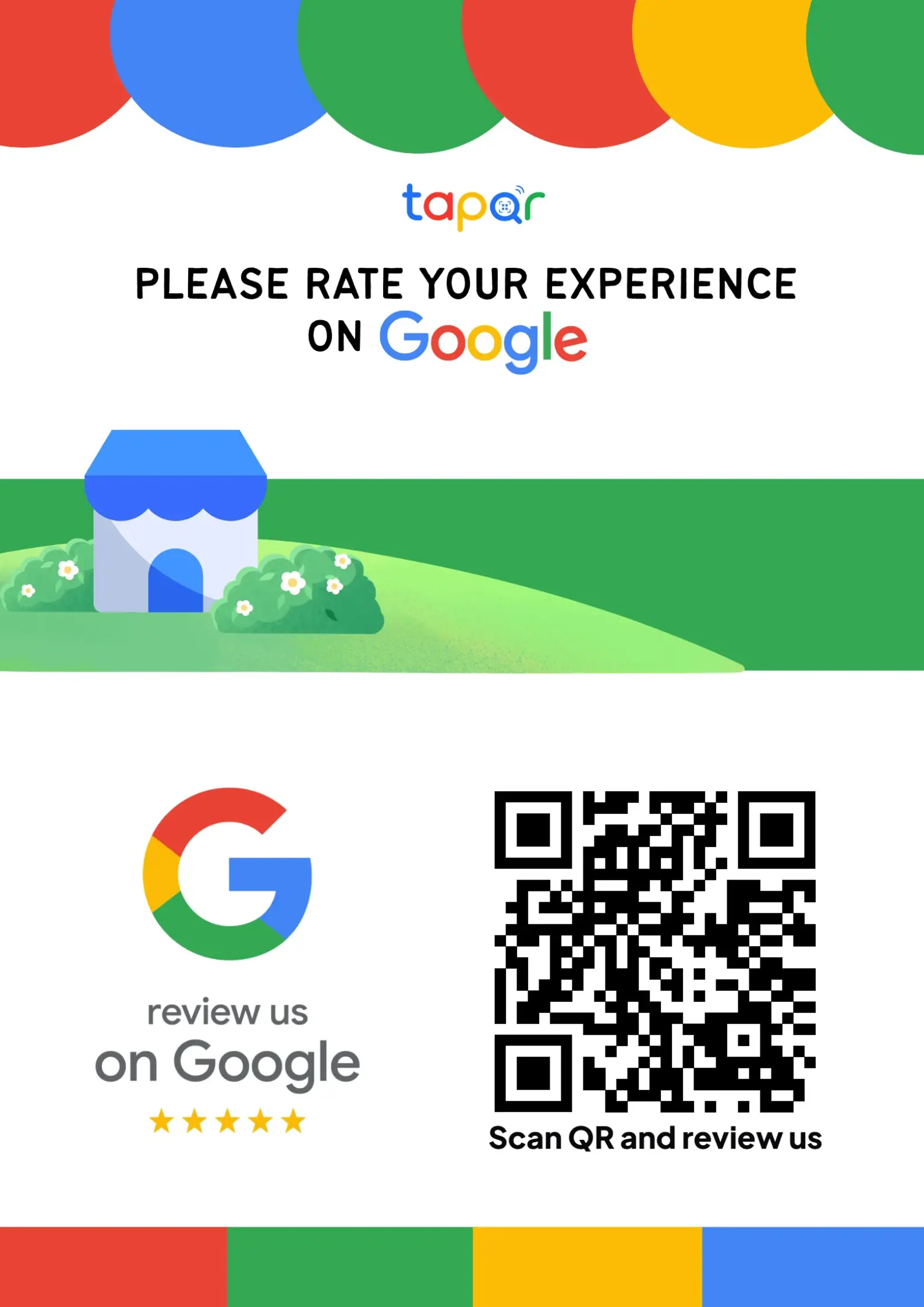
How TapQR supports local business review collection
TapQR gives small businesses a central review QR code and direct link that can be reused across customer-facing touchpoints without asking customers to search for the listing manually.
- Use one TapQR path for counter cards, posters, receipts and follow-up links.
- Make it easier for staff to ask without explaining the full Google review process.
- Offer optional AI-assisted review drafting when customers want help wording their own experience.
A simple path from setup to customer review
Use TapQR as the access layer between your physical customer moment and your Google review destination.
-
01
Set the review destination
Connect the correct business review link to TapQR.
-
02
Create the QR code
Generate a QR code that customers can scan from printed material.
-
03
Place it in daily workflow
Use the billing desk, pickup counter, invoice, packaging or service handover point.
-
04
Ask respectfully
Invite honest feedback after the customer has received value.
Benefits for small businesses
Low-friction customer action
Customers can start from a scan instead of searching by business name.
Consistent staff habit
A visible QR prompt gives the team one simple action to reference.
Works online and offline
The same review path can support print materials and message follow-ups.
Small business use cases
The best touchpoint depends on when the customer feels the work is complete.
- Retail checkout counter
- Repair service handover
- Clinic or salon reception desk
- Invoice footer QR code
- Product packaging insert
- WhatsApp thank-you link after delivery
Best practices for local businesses
Keep the process honest, simple and easy to maintain.
Ask after the experience
Do not ask before the customer has received the product or service.
Avoid pressure in queues
Point to the QR code and let the customer scan when convenient.
Use branch-specific QR codes
Different locations should send customers to the correct profile.
Reply to reviews
A simple, professional reply shows future customers that feedback is read.
Continue building a better review journey
Use these guides to connect the page topic with other TapQR review workflows.
Questions people ask about this topic
Short answers for business owners comparing review links, QR codes, cards and staff workflows.
Do small businesses need a Google Review QR Code?
A QR code is useful when customers interact with the business in person and need a quick way to reach the review page.
Where should a local business place the QR code?
Start with billing, reception, pickup, invoices, packaging and follow-up messages.
Can I use the same QR code in WhatsApp?
Use the direct review link in WhatsApp and the QR code on printed material. Both can point to the same review destination.
Should staff ask every customer?
Staff can invite honest feedback consistently, but should not pressure customers or ask only people expected to leave positive reviews.
How often should I test the QR code?
Test it whenever the listing, link, printed material or TapQR setup changes, and check it periodically during routine review workflow checks.
Give your small business one clear review path
TapQR helps local teams use a Google review QR code across counters, invoices, packaging and follow-up messages.