
Salon Review Cards
Google Review Cards for Salons and Beauty Businesses
Salon reviews often come from trust, comfort and visible results. A review card works best when the client is happy with the service and still in the salon.
- Reception and checkout use
- Helpful after service completion
- Easy for stylists to mention
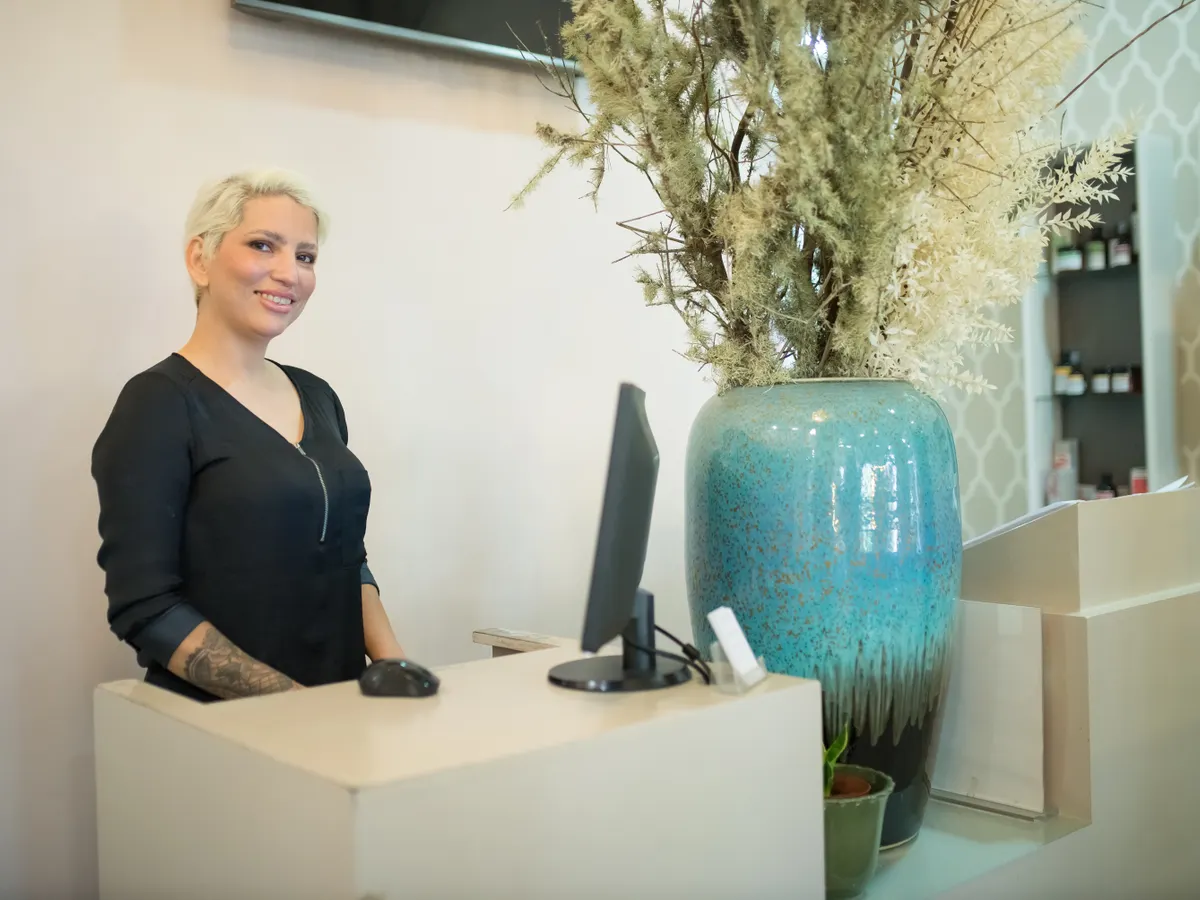
For salons, timing the request after the service matters.
Clients are most ready to share feedback after they see the finished result, thank the stylist or complete checkout.
A QR review card keeps the request light and practical. The stylist or receptionist can point to the card instead of explaining the full process.
Why salons can miss reviews
Many happy salon clients leave with good intentions, then forget once they are back to their day.
The client leaves quickly
After payment, clients may be heading to work, an event or home.
Stylists hesitate to ask
A direct review request can feel awkward without a simple prompt nearby.
Mirror stations get crowded
Prompts need to be visible without cluttering the service area.
Salon placement ideas
Place review cards where they feel natural in the service flow.
Reception desk
Best for checkout and appointment wrap-up.
Mirror station
Useful when the client sees the finished result and is already engaged.
Waiting area
A soft reminder can sit near magazines, product shelves or appointment cards.
Digital follow-up
A direct link can be sent after the appointment if the client prefers to review later.
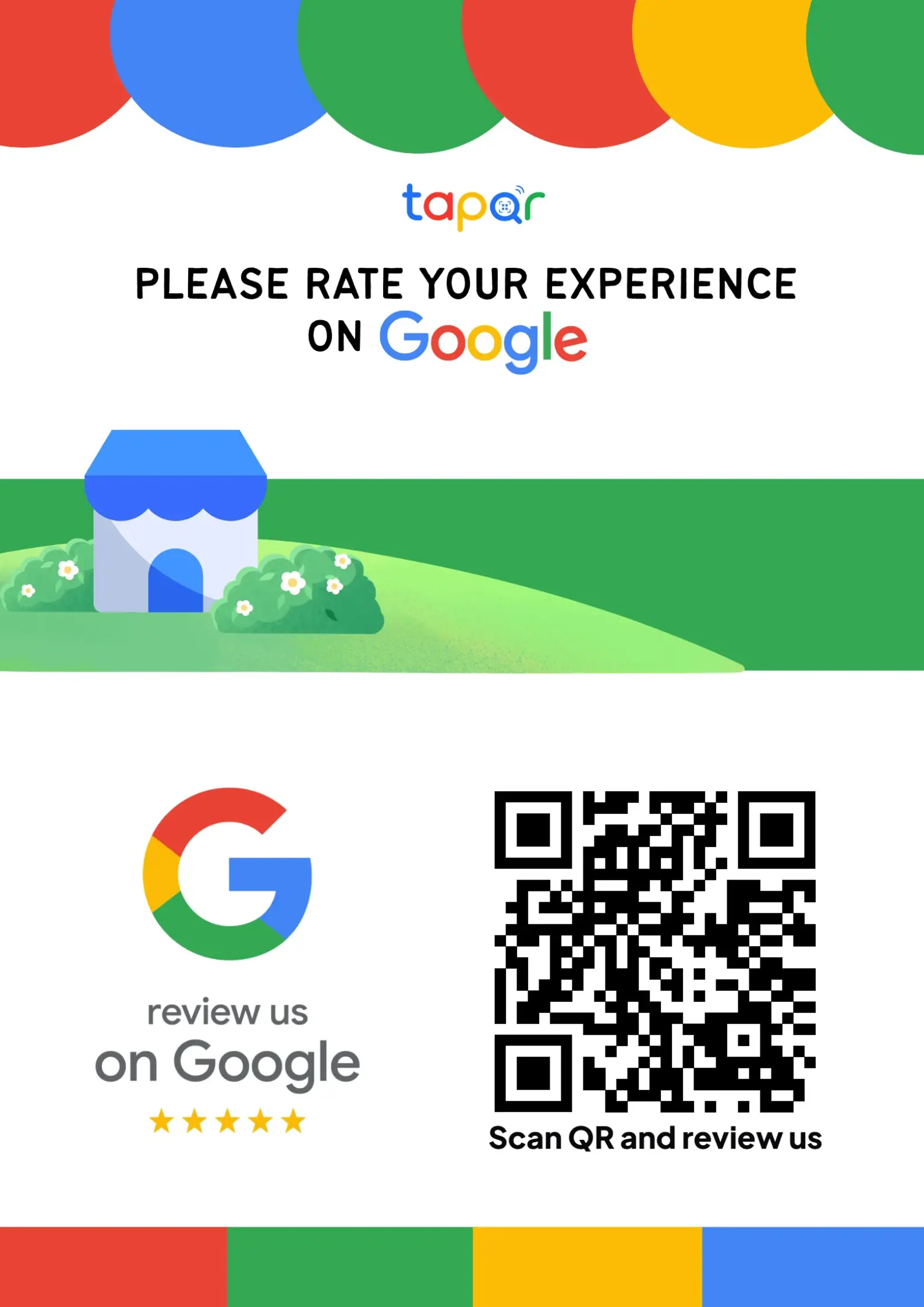
TapQR for salons
TapQR helps salons create QR review prompts that fit reception desks, checkout counters, service stations and customer follow-up messages.
- Use one QR destination for salon review cards and digital follow-ups.
- Let reception staff point clients to a visible review prompt.
- Offer optional AI-assisted wording help for clients who want to describe their real experience clearly.
A simple path from setup to customer review
Use TapQR as the access layer between your physical customer moment and your Google review destination.
-
01
Set up the salon destination
Create the TapQR review path for the business.
-
02
Place the card at reception
Keep it clean, visible and easy to scan.
-
03
Ask after the reveal
Mention the card when the client responds positively to the result.
-
04
Use follow-ups carefully
Send one helpful link after the visit if needed.
Benefits for salons
Natural timing
The request can happen when the client sees the finished service.
Less awkward staff conversations
The card gives stylists and receptionists a simple cue.
Better fit for appointments
The same QR prompt can support both walk-ins and scheduled clients.
Salon use cases
Review cards can support several parts of the salon experience.
- Reception desk card
- Checkout counter stand
- Mirror station prompt
- Waiting area card
- Appointment follow-up link
- Product pickup counter
Salon review request tips
Keep the review ask polished and respectful.
Ask when the client is pleased
A visible smile or thank-you after the reveal is a better moment than the middle of the service.
Do not crowd the station
Keep the card design simple so it does not compete with tools, products and mirrors.
Invite details, not scripts
Let clients mention the service, stylist or result in their own words.
Keep the prompt clean
Salons handle products and water, so worn cards should be replaced.
Continue building a better review journey
Use these guides to connect the page topic with other TapQR review workflows.
Questions people ask about this topic
Short answers for business owners comparing review links, QR codes, cards and staff workflows.
Where should salons place Google review cards?
Good placements include reception, checkout counters, mirror stations and waiting areas.
When should a stylist ask for a review?
After the service is complete and the client has reacted positively to the result.
Can salons send a review link after the appointment?
Yes. A short follow-up link can work if it feels helpful and optional.
How does TapQR help salons?
TapQR gives salons a QR-based review path for cards, stands and follow-up messages.
Should clients be told what to write?
No. Invite honest feedback and let the client choose the rating and wording.
Can one card work for all stylists?
Yes, if it points to the correct business review destination and staff use it consistently.
Make salon review requests feel natural
TapQR helps salons turn reception and checkout moments into easier review journeys.