

G o o g l e REVIEW BOOSTER

Free Google Review QR Code & Link Generator

Create a Free Google Review QR Code & direct Google Business Review Link in 30 seconds. Help happy customers generate AI-powered review drafts and boost your 5-star Google Maps rankings instantly.

No app required Works on every smartphone Setup in 2 minutes

Free Google Review QR Code Generator by TapQR

Free AI-Powered Google Business Review Link Generator

AI-generated natural review drafts

Customers get a short, natural review draft they can review, edit, and copy before posting.

Direct Google review page access

Skips unnecessary steps and sends customers straight to your Google review form.

Custom QR code

Get a clean, print-ready QR code made for your business and review page.

Works on every smartphone

Works smoothly on most Android and iPhone cameras without a separate app.

Google Review QR Code for Restaurants, Salons, Clinics & Local Businesses

Restaurants & Cafes

Make it easier for genuine customers to share their dining experience.Boost 5-star local food delivery and dine-in map search visibility.

Salons & Spas

Rank higher for premium hair, beauty, and local grooming services.

Clinics & Healthcare

Build local patient trust and make your clinic easier to choose.

Gyms & Fitness Centers

Dominate local maps queries for fitness, crossfit, and workout hubs.

Hotels & Stays

Increase dynamic online bookings with verified organic traveler proof.

Retail Shops

Attract high foot-traffic volume for physical boutique listings.

Process Flow

How to Generate a Google Review QR Code — Step-by-Step Guide

TapQR makes it easy for businesses to collect more Google reviews. Customers simply scan your custom Google Review QR Code using any smartphone.

1

Scan the QR

Customers quickly scan the custom code from your physical counter, tent card, or screen.

2

Get an AI Review Draft

TapQR instantly creates a natural AI-generated review draft based on their unique experience.

3

Open Google

The user can copy the draft and jump straight to your live Google review panel instantly.

4

Post the Review

Choose a star rating, paste the copied smart text, and submit. Absolutely zero friction!

There is no need to search for your business or write a review from scratch.

Core Capabilities

Why TapQR Is the Best Free Google Review QR Code Generator

TapQR is an AI-powered Google Review QR Code generator designed to help local businesses collect customer reviews faster and with less effort.

Create a unique QR code connected directly to your Google review page.

Custom QR Code

Customers receive a short, natural review draft that they can review, edit and copy before posting.

AI Review Drafts

After copying the draft, customers can open your Google review page instantly without searching.

Direct Access

TapQR works with most Android and iPhone cameras. Customers do not need to install any application.

Smartphone Ready

Display your Google Review QR Code on billing counters, restaurant tables, reception desks, packaging or printed cards.

Easy Placement

TapQR is ideal for restaurants, cafes, salons, clinics, gyms, hotels, retail stores and other local businesses.

Local Business

01.

Custom Google Review QR Code

Create a unique QR code connected directly to your Google review page.

02.

AI-Generated Review Drafts

Customers receive a short, natural review draft that they can review, edit and copy before posting.

03.

Direct Google Review Access

After copying the draft, customers can open your Google review page instantly without searching for your business.

04.

Works on Every Smartphone

TapQR works with most Android and iPhone cameras. Customers do not need to install any application.

05.

Easy QR Code Placement

Display your Google Review QR Code on billing counters, restaurant tables, reception desks, packaging or printed cards.

06.

Built for Local Businesses

TapQR is ideal for restaurants, cafes, salons, clinics, gyms, hotels, retail stores and other local businesses.

Build stronger local trust with every scan.

Start with a one-time free trial, or choose paid plans from ₹99.

Compare Google Review QR Plans
Ready-to-Use Poster

Get a Google Review QR Code Poster for Your Business

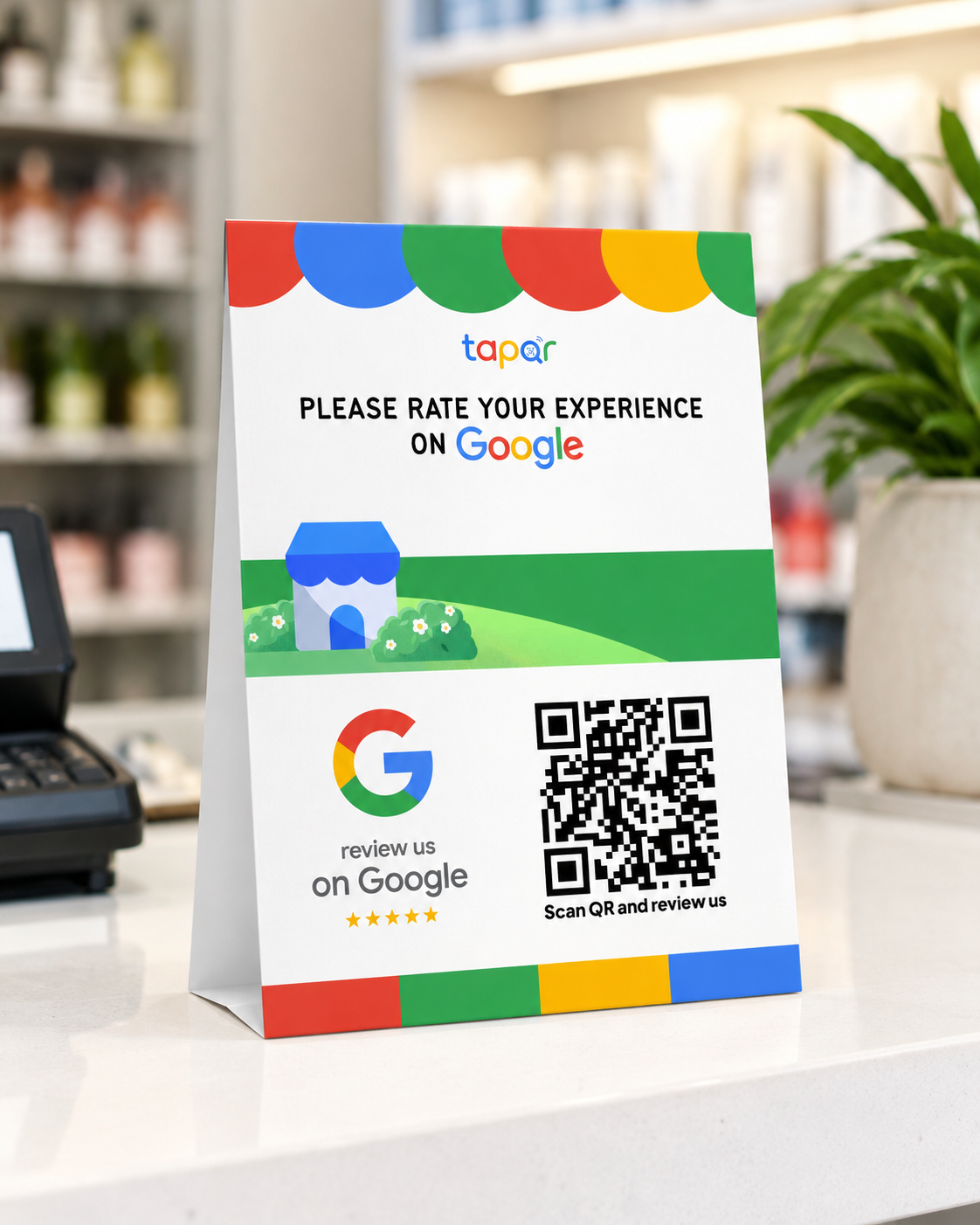
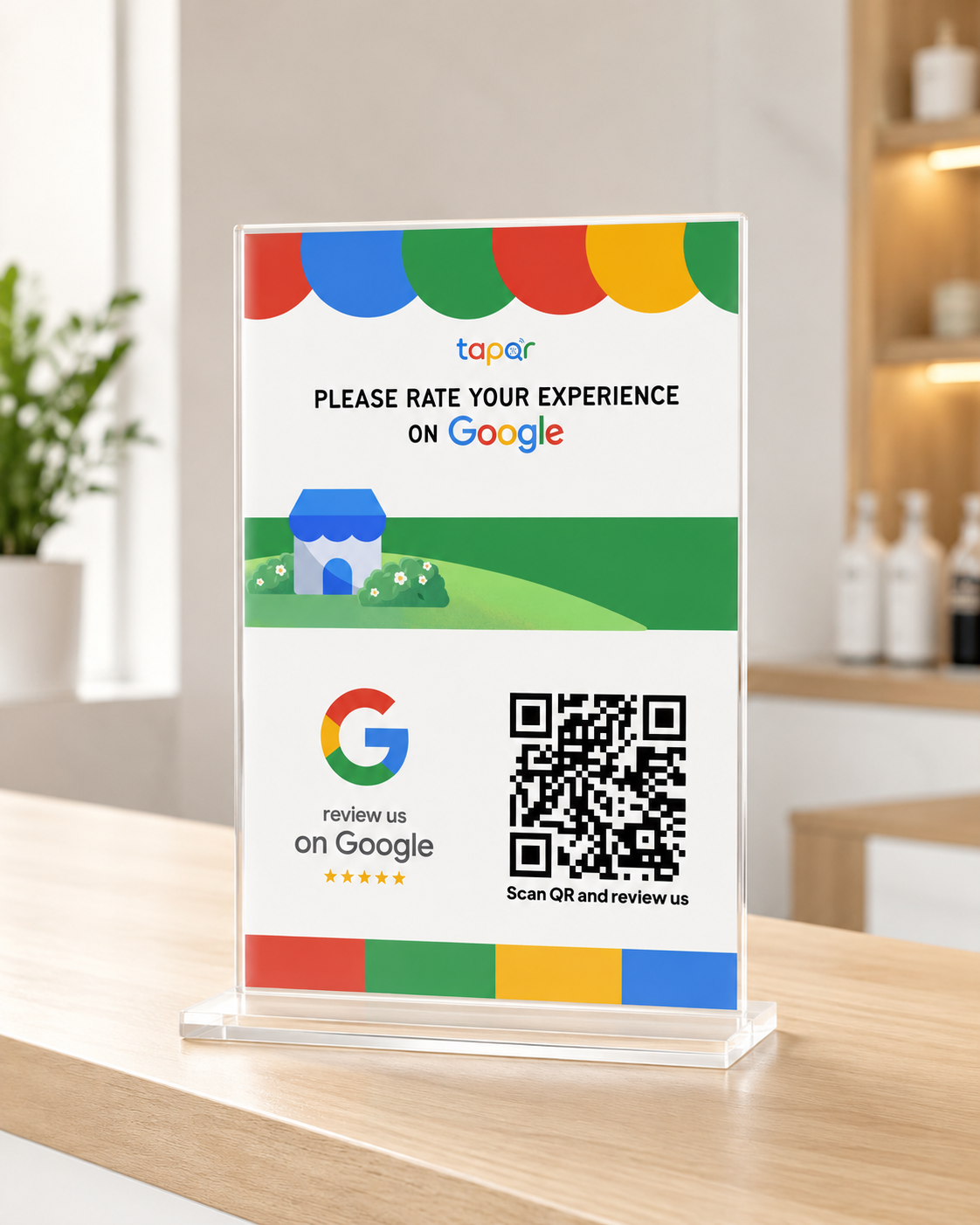
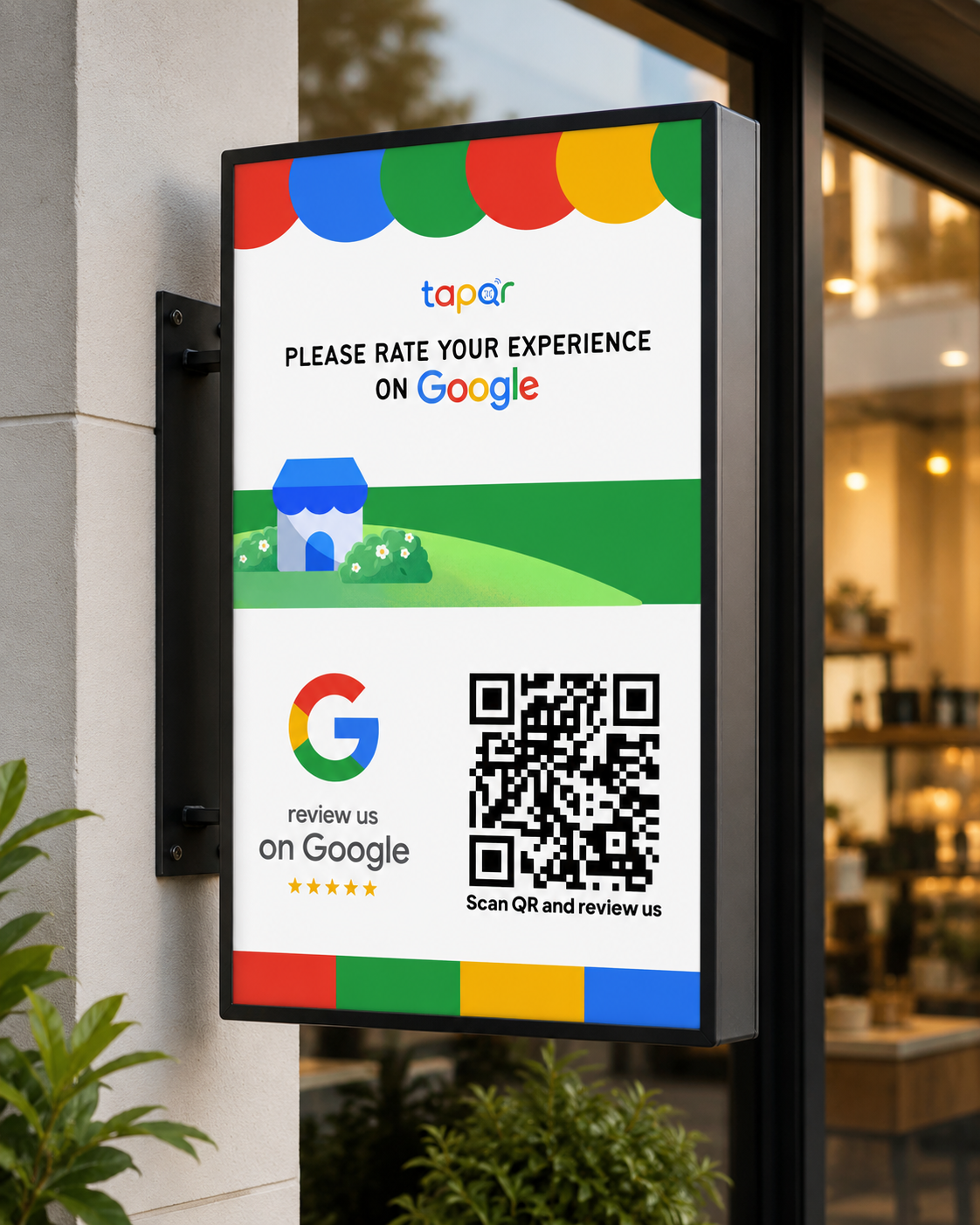
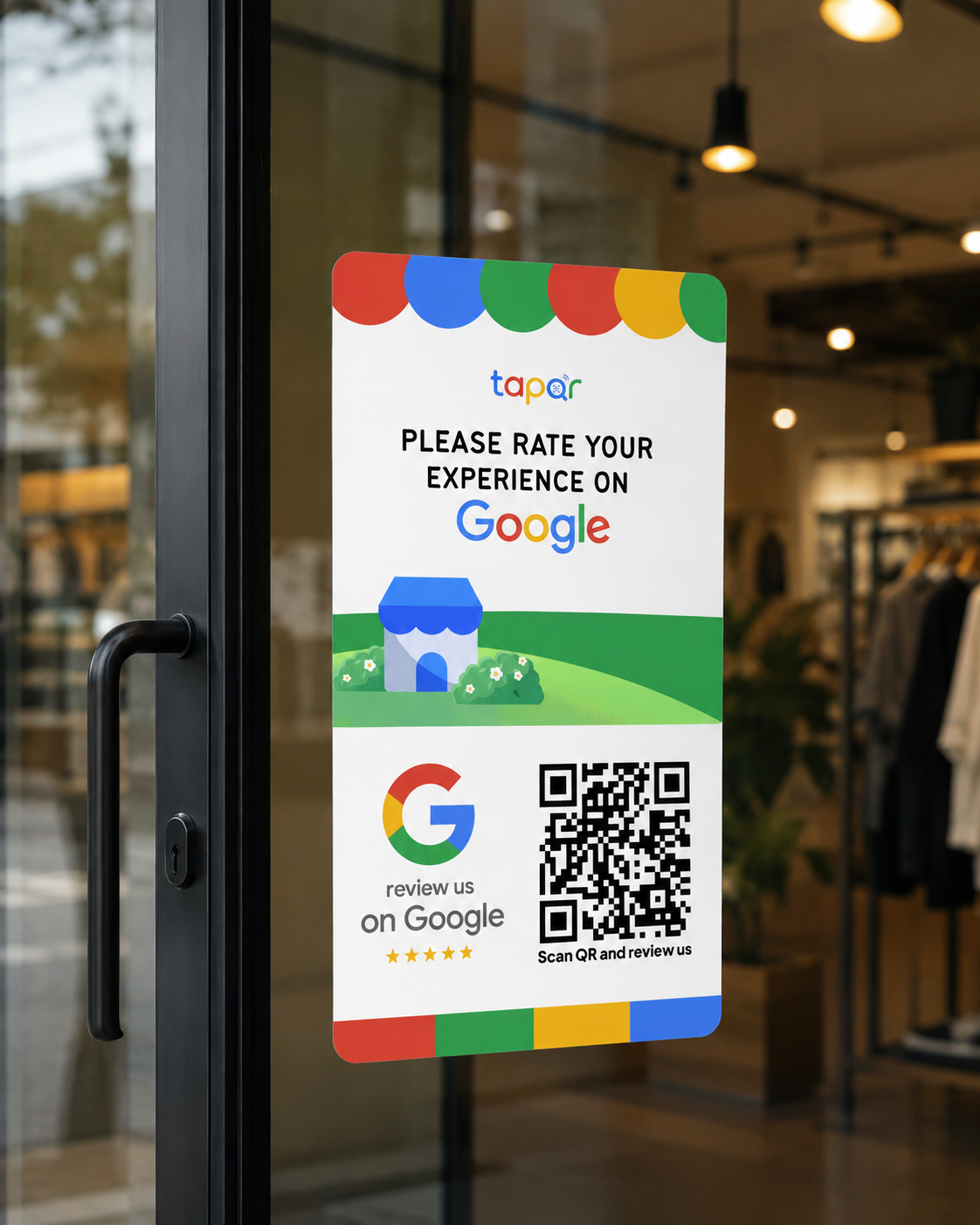
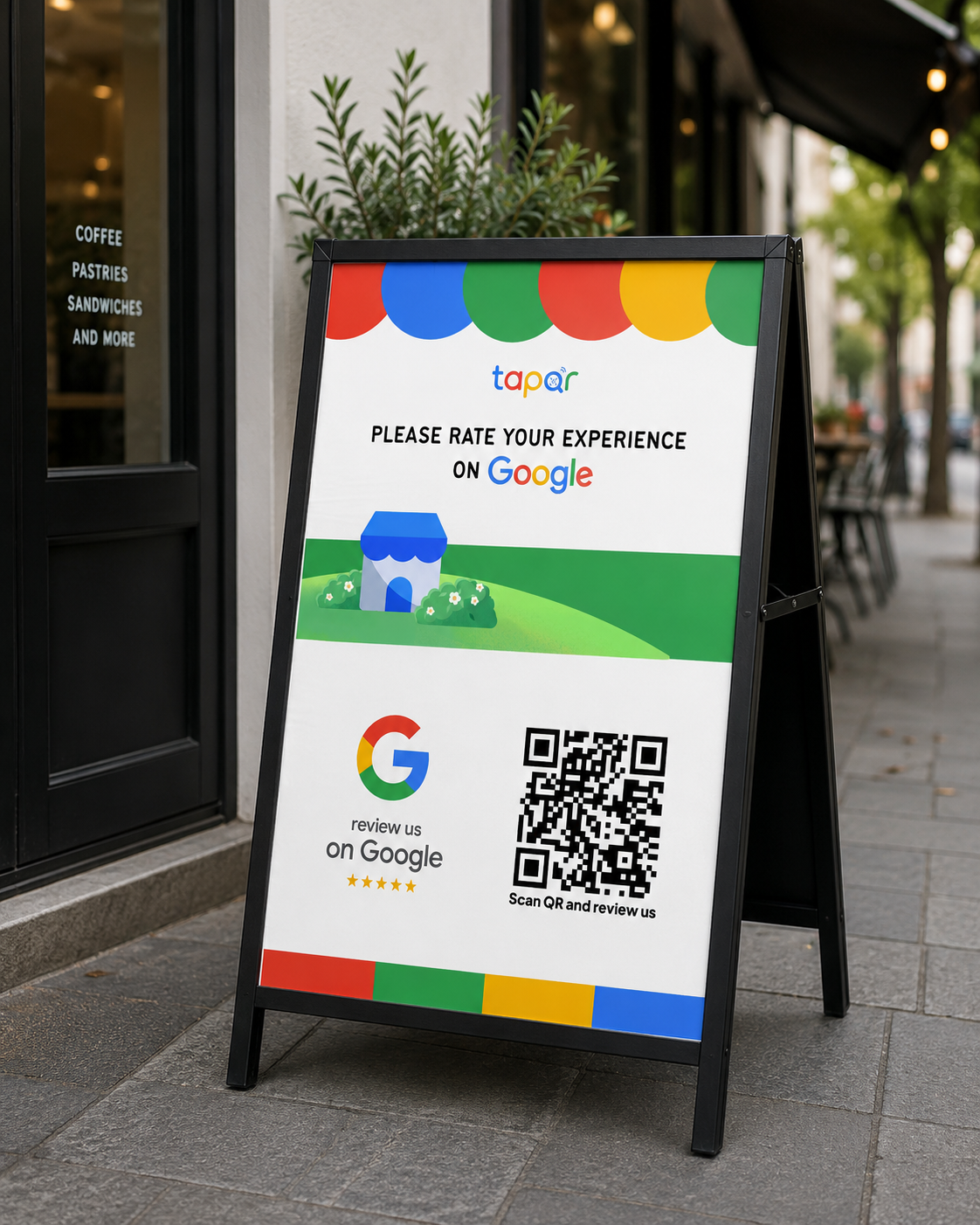
TapQR provides a custom Google Review QR Code poster connected directly to your business page. Display it at your billing counter, reception desk, or tables for instant customer reviews.

Customised for Your Business

Includes a direct QR code linked straight to your Google review page.

Ready to Print & Display

Download high-resolution copies for your shop, clinic, salon, or office.

Easy Customer Scanning

Customers scan with any smartphone camera—no app or search required.

Custom Google Review QR Code poster created with TapQR Custom Google Review QR Code poster created with TapQR Custom Google Review QR Code poster created with TapQR Custom Google Review QR Code poster created with TapQR Custom Google Review QR Code poster created with TapQR

Scan & Review • No App Needed

TapQR vs Normal QR

TapQR vs Normal QR Code — Free vs Pro Feature Comparison

A normal QR only opens a link. TapQR is built for Google reviews, with a cleaner customer journey and optional AI review drafts.

Generic QR code

Normal QR

Basic link
  • Only redirects to one page Customers still need to understand what to do next.
  • No review writing help Many happy customers skip posting because writing takes effort.
  • No review-focused flow The experience can feel generic and easy to ignore.
  • No AI review draft option Customers must write everything from scratch on the spot.
  • Harder for staff to explain Staff may need to repeat the review steps again and again.
  • Generic design for every use It is not specially made for collecting Google reviews.

Best for review collection

TapQR

Recommended Review focused
  • Built for Google review collection Customers scan and reach the review action faster.
  • Optional AI review draft Customers can edit a natural draft before posting their real feedback.
  • Ready for counters, tables and cards A clean QR experience made for local businesses.
  • No app needed for customers Customers can scan using most Android and iPhone cameras.
  • Faster setup for local businesses Create a review QR flow quickly and start using it offline.
  • Clear flow for staff and customers Simple scan, review draft option and Google review page access.
Free vs Pro

Choose the review QR flow that fits your business

Start with the free trial, keep things simple with Direct Review QR, or unlock AI-assisted review drafts with AI Review QR Pro.

Start Free Trial
Free Trial Start
₹0

7 days or 10 scans for testing your first Google Review QR Code.

Direct Review QR Simple
₹99+

Send customers straight to your Google review page without extra steps.

AI Review QR Pro Recommended
₹199+

Add AI review drafts so happy customers can write faster and post confidently.

01 Custom Google Review QR Code
Included
Included
Included
02 Direct Google Business Review Link
Included
Included
Included
03 AI-Powered Smart Review Drafts
10 trial drafts
Not included
Up to 5,000 drafts
04 Print-Ready QR Poster Download
Included
High-Res HD
HD + AI badge
05 Smartphone Compatibility
Android & iOS
Android & iOS
Android & iOS
06 Customer App Download Required
No app needed
No app needed
No app needed
07 Pricing / Renewal
₹0 / 7 days
From ₹99/mo
From ₹199/mo
Fair & Simple Pricing

Google Review QR Code Generator Pricing Free Trial & Affordable Plans

Choose the right Google Review QR Code plan for your business. Use a Direct Review QR to send customers straight to your Google review page, or choose an AI Review QR plan to generate a natural review draft before posting.

Direct Review QR: Free trial includes 7 days or 10 scans

Free Trial

Once
₹0 / 7 Days

Try Direct Review QR before paying. Trial ends after 10 scans or 7 days, whichever comes first.


  • 10 QR code scans
  • One-time trial per business
  • Owner email and mobile required
  • Recharge keeps the same QR
Start Free Trial

Basic

₹99 / 1 Month

Scan the QR code and open your Google review page instantly.


  • 100 QR code scans
  • Direct Google review page access
  • Custom Google Review QR Code
  • Works on Android and iPhone
Choose Basic
Best Value

Starter

₹199 / 3 Months

Scan the QR code and open your Google review page instantly.


  • 300 QR code scans
  • Direct Google review access
  • Print-ready custom QR code
  • Ideal for new local businesses
Choose Starter

Growth

₹299 / 6 Months

Scan the QR code and open your Google review page instantly.


  • 800 QR code scans
  • Direct access to your review page
  • Custom business QR code
  • Best for growing businesses
Choose Growth

Annual

₹499 / 12 Months

Scan the QR code and open your Google review page instantly.


  • Unlimited QR code scans
  • Full-year QR activation
  • Custom Google Review QR Code
  • Best long-term value
Choose Annual

AI Free Trial

Once
₹0 / 7 Days

Try AI Review QR with natural review drafts before choosing a paid AI plan.


  • 10 AI review drafts
  • One-time trial per business / QR
  • Owner email and mobile required
  • Recharge keeps the same QR
Start AI Trial

AI Basic

₹199 / 1 Month

Customers scan the QR code, receive an AI-generated review draft and open your Google review page to post it.


  • 300 AI review drafts
  • Natural review draft generation
  • Direct Google review access
  • Custom business QR code
Choose AI Basic

AI Starter

₹399 / 3 Months

Customers scan the QR code, receive an AI-generated review draft and open your Google review page to post it.


  • 800 AI review drafts
  • Multiple natural review variations
  • Print-ready QR Code
  • Suitable for small businesses
Choose AI Starter
Most Popular

AI Growth

₹599 / 6 Months

Customers scan the QR code, receive an AI-generated review draft and open your Google review page to post it.


  • 1,800 AI review drafts
  • Custom Google Review QR Code
  • Direct Google review page access
  • Best for growing local businesses
Choose AI Growth

AI Annual

₹999 / 12 Months

Customers scan the QR code, receive an AI-generated review draft and open your Google review page to post it.


  • 5,000 AI review drafts
  • Full-year QR activation
  • Natural AI-generated reviews
  • Best overall value
Choose AI Annual
Review Conversion Gap

Why 99% of Businesses Fail at Google Reviews

Over 80% of customers are happy with your service, but less than 2% ever post a Google review. Here is why traditional review methods fail—and how TapQR's AI review generator solves each bottleneck.

01

The Blank Page Paradox

❌ The Problem:

Customers want to support you, but staring at an empty Google review text box causes hesitation and drop-offs.

✅ The TapQR Solution:

TapQR's AI creates a natural, personalized 5-star review draft in 3 seconds based on what they liked.

02

High Search Friction

❌ The Problem:

Asking customers to "search us on Google Maps" leads to wrong business selection, distraction, or total drop-off.

✅ The TapQR Solution:

A direct Google review link opens your exact verified review dialog box instantly with zero search steps.

03

Forgotten Experience Post-Visit

❌ The Problem:

Follow-up SMS links or email requests sent hours later get ignored or lost in crowded notification feeds.

✅ The TapQR Solution:

Instant QR display at the billing counter, dining table, or reception catches peak customer satisfaction on-site.

04

Staff Hesitation & Awkwardness

❌ The Problem:

Employees feel uncomfortable repeatedly asking customers for reviews during busy peak hours.

✅ The TapQR Solution:

A sleek, print-ready QR poster acts as a silent 24/7 review magnet without requiring staff intervention.

Customer Journey

How a Local Business Uses TapQR to Collect Google Reviews

A customer visits a restaurant, salon, clinic, gym or retail store and scans the TapQR code displayed at the counter. TapQR helps the customer describe their genuine experience and creates an AI-assisted review draft based only on the details they provide. The customer can review and edit the draft before opening the business’s Google review page to post their feedback.

1

Scan QR Code

The customer scans the Google review QR code.

2

Select Experience

They select or enter details about their real experience.

3

AI Review Generation

TapQR generates a natural review draft using AI.

1

Scan QR Code

The customer scans the Google review QR code.

2

Select Experience

They select or enter details about their real experience.

3

AI Review Generation

TapQR generates a natural review draft using AI.

4

Approve Draft

The customer edits or approves the draft.

5

Final Submission

The Google review page opens for final submission.

4

Approve Draft

The customer edits or approves the draft.

5

Final Submission

The Google review page opens for final submission.

TapQR makes the review process quick and simple while helping businesses collect more authentic customer feedback.

Step-by-Step Tutorial

How to Generate a Google Review QR Code in 5 Simple Steps

Follow this actionable guide to create a custom, high-converting Google Review QR Code & Google Business review link for your business in under 2 minutes.

01

Start Your Free Trial

Visit TapQR App and register your business name with your email and mobile number. No credit card is required to test with 10 free scans.

Estimated Time: 30 Seconds
02

Add Google Review Link

Paste your Google Business Profile review link. If you do not have it handy, search your business name on Google Maps, click "Ask for reviews", and copy the direct short URL into TapQR.

Direct Linking Engine
03

Generate & Customize QR

TapQR generates an instant custom Google Review QR code. Select whether to enable AI-powered review writing assistance for your customers to eliminate writer's block.

AI Draft Assistant
04

Download Print Poster

Download your high-resolution print-ready review poster or acrylic standee template. Print it and place it at your billing counter, dining table, reception, or exit door.

HD Vector PDF / PNG
05

Customers Scan & Submit 5-Star Reviews

Customers scan the QR code with any smartphone camera (no app download needed). They receive a personalized, authentic review draft, copy it with one tap, and submit it directly to your live Google Maps listing.

Automated Review Growth Start Free Trial →
Questions & Answers

Google Review QR Code Generator — Frequently Asked Questions

Learn how TapQR helps local businesses create Google Review QR codes, direct review links and optional AI-assisted review drafts.

TapQR Google Review QR Code frequently asked questions

A Google Review QR Code allows customers to scan a code and open your business's Google review page instantly. TapQR can also provide optional AI writing assistance based on details supplied by customers about their genuine experience.

Add your business details and Google review link to TapQR. TapQR generates a custom QR code that you can display at your shop, reception desk, restaurant table, billing counter or another customer-facing location.

Yes. TapQR connects your business to a direct Google review link so customers can open the review page without manually searching for your business.

Customers scan the QR code and open your business's review flow. Depending on the selected plan, they can open the Google review page directly or provide details about their experience and receive an optional AI-assisted draft.

TapQR can provide an optional AI-assisted draft based on the customer's own experience. The customer can review, edit or reject the draft before deciding whether to post it.

TapQR offers a one-time Free Trial for new businesses. Paid Direct Review QR plans start at ₹99, with separate AI Review QR paid plans available.

Yes. Customers can scan the QR code using most Android and iPhone camera applications. They do not need to install a separate TapQR mobile application.

TapQR can be used by restaurants, cafes, salons, spas, clinics, gyms, hotels, retail stores, car showrooms and other local businesses that collect genuine customer feedback.

You can place the QR code on reception desks, billing counters, restaurant tables, printed cards, packaging, invoices, posters or other locations where customers can scan it easily.