
Customer Asking Guide
How to Ask Customers for Google Reviews Without Being Pushy
A good review request should sound like a human conversation. The goal is to invite honest feedback at the right moment, then make the next step easy.
- Use simple staff wording
- Ask after the service is complete
- Give customers an easy review path
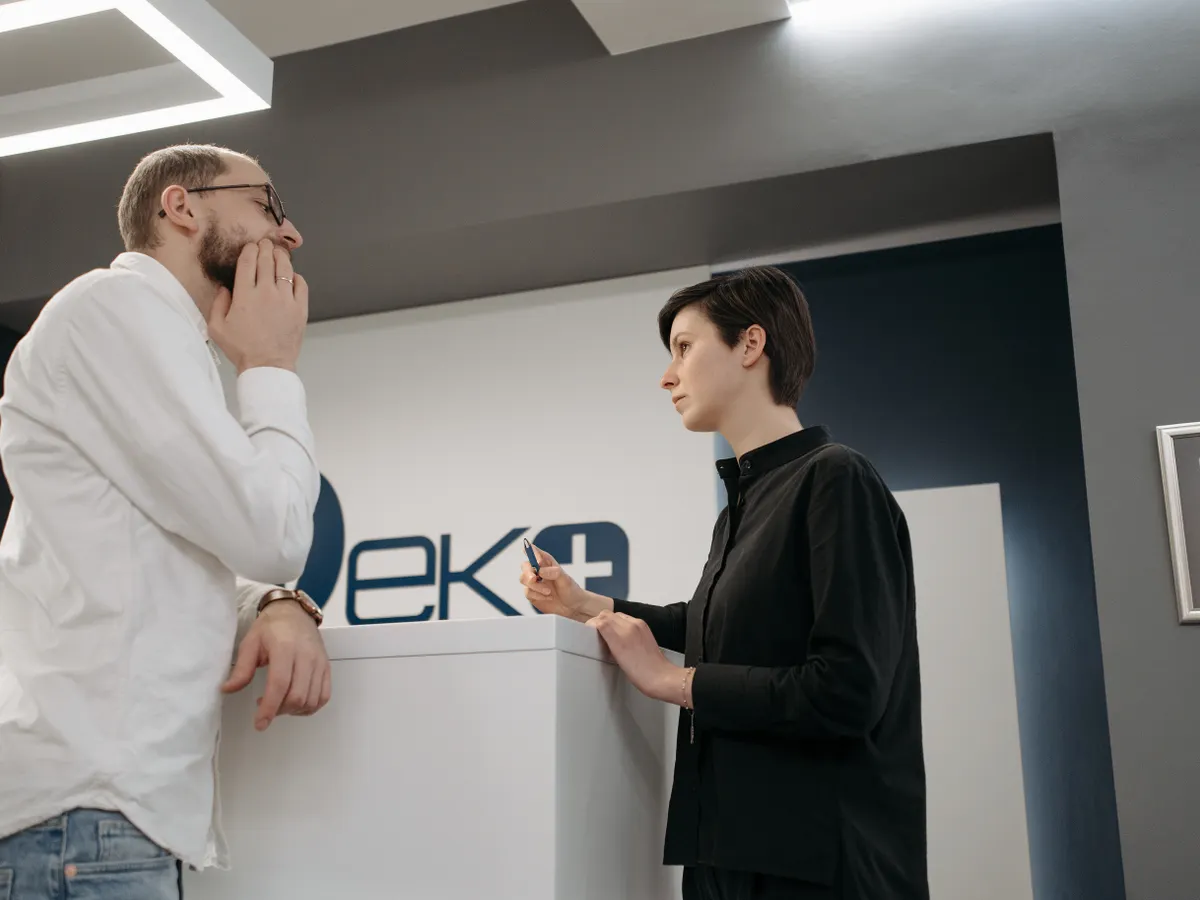
Ask clearly, once, and at the moment of satisfaction.
The best way to ask is short and respectful: thank the customer, mention that reviews help your business, and show them the easiest way to leave one.
Avoid scripts that sound forced. Customers respond better when staff ask in their own voice and make it clear that the review is optional.
Why review requests can feel awkward
Many teams avoid asking because they do not want to pressure customers. The awkwardness usually comes from unclear wording or an inconvenient review path.
The request is too long
A long explanation at checkout can make a customer feel held up, especially when other people are waiting.
The next step is unclear
If the customer has to search on Google later, the request becomes easy to forget.
Staff are unsure what to say
Without simple guidance, some staff over-explain while others skip the request completely.
Ways to ask without sounding pushy
Keep the wording friendly, short and tied to a real customer moment.
Start with thanks
Thank the customer first. The review request should feel like a follow-up to good service, not a demand.
Mention why it helps
A simple line like it helps other customers find us is enough.
Point to the QR code
Show the customer the scan point so they know exactly what to do next.
Accept no gracefully
If the customer is in a hurry, let the moment pass. Respect protects the relationship.
Simple ways staff can phrase the request
Use these as starting points, then let staff speak naturally.
At checkout
Thank you for visiting us today. If everything was good, you can scan this code and leave a quick Google review. It really helps our team.
After a service
I am glad this worked well for you. If you would like to share your experience, this QR code opens our Google review page.
In a follow-up message
Thanks for choosing us. If you have a minute, you can leave an honest Google review here. Your feedback helps other customers decide.
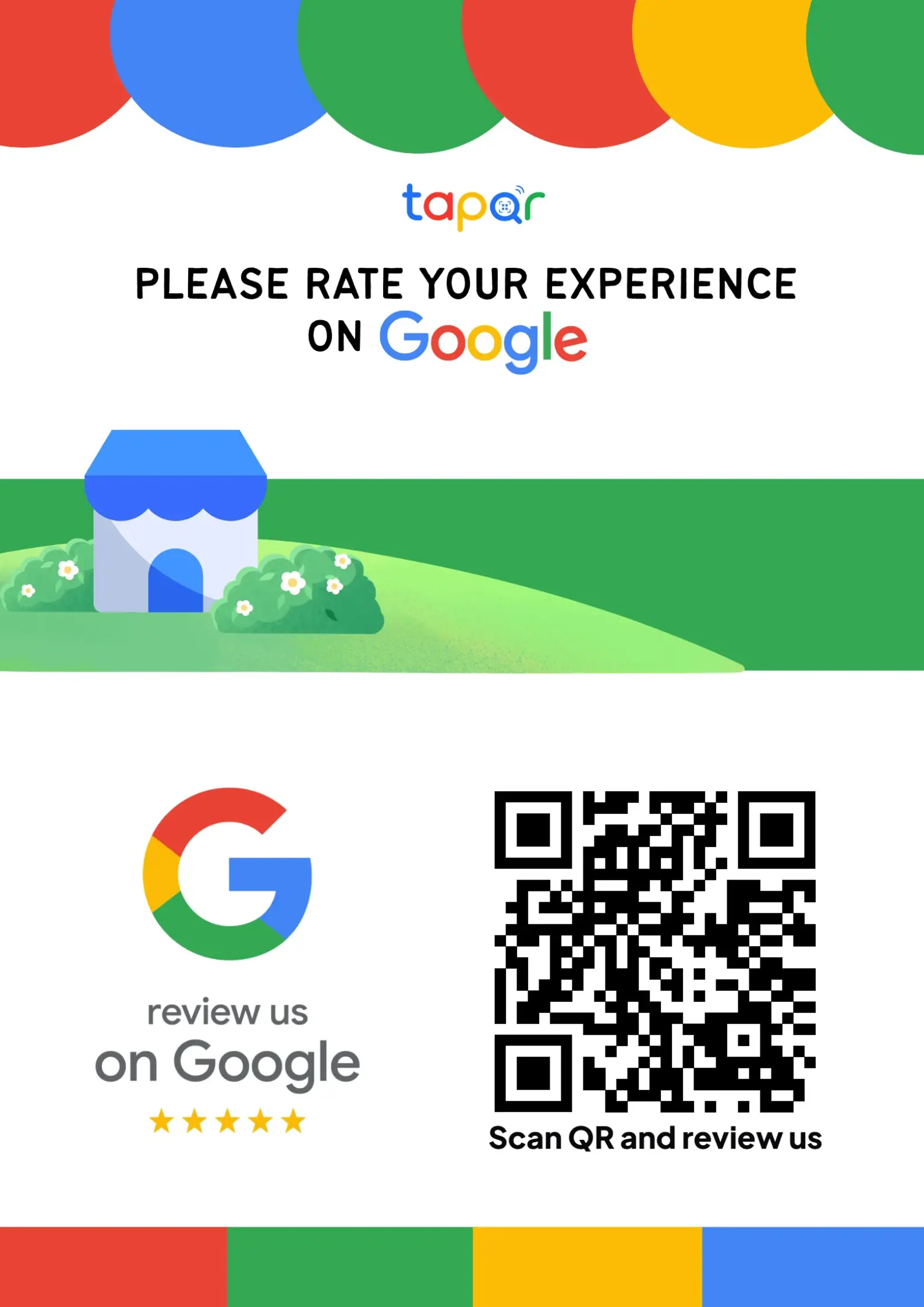
How TapQR makes the request easier
TapQR gives your team a clear review destination to reference. Customers can scan a QR code, open the review flow and, when enabled, use optional AI-assisted writing help based on their own experience.
- Staff can point customers to one visible QR prompt instead of explaining a long process.
- The direct review link can also be shared in WhatsApp, SMS or email follow-ups.
- Optional AI-assisted drafts can help customers who know what they liked but do not know how to phrase it.
A simple path from setup to customer review
Use TapQR as the access layer between your physical customer moment and your Google review destination.
-
01
Prepare the review link
Set up the review destination once so the team is not searching for links.
-
02
Place the prompt
Put the QR code at checkout, reception or another natural pause point.
-
03
Use a short phrase
Ask in one sentence and point to the scan point.
-
04
Let the customer decide
The customer chooses whether and what to write.
What improves when the ask is simple
Less pressure
A short optional request feels more respectful than a long explanation.
More consistent staff habits
The team can use the same structure while still speaking naturally.
A smoother customer experience
Customers can scan when ready instead of being walked through several manual steps.
Example moments to ask
Choose moments where the customer has already received value.
- After a positive checkout conversation
- When a customer compliments the service
- After completing an appointment
- After handing over a takeaway order
- When sending a thank-you message
- At the reception desk before the customer leaves
Mistakes to avoid when asking
A review request should protect trust as much as it supports visibility.
Do not ask for only five stars
Ask for an honest review instead of directing the rating. Customers should control the content.
Do not interrupt the exit
If someone is visibly busy, provide the QR prompt and let them continue.
Do not make staff memorize a paragraph
Give them a simple pattern they can adapt to the conversation.
Do not hide the review path
A visible QR card or stand works better than asking customers to search later.
Continue building a better review journey
Use these guides to connect the page topic with other TapQR review workflows.
Questions people ask about this topic
Short answers for business owners comparing review links, QR codes, cards and staff workflows.
What should I say when asking for a Google review?
Thank the customer, explain briefly that reviews help your business, and show them the easiest review link or QR code.
Is it okay to ask every customer for a review?
You can ask customers for honest feedback, but avoid pressuring people or asking only customers who seem likely to leave positive reviews.
Should staff ask in person or send a message later?
Both can work. In-person requests are useful when the experience just ended, while follow-up messages help customers who prefer to respond later.
How can TapQR help staff ask for reviews?
TapQR gives staff a clear QR code or link to point customers toward instead of explaining how to find the review page manually.
Can I ask customers to mention a staff member by name?
You can invite honest feedback about the service, but avoid scripting what the customer should say.
What should I avoid saying?
Avoid asking for a guaranteed rating, offering rewards for reviews, or making the customer feel that a review is required.
Give your team an easier way to ask
TapQR turns the review request into a simple scan or link, so your staff can keep the conversation short and human.