
Business Review Guide
How to Increase Google Reviews for Your Business
Increasing Google reviews is not about shortcuts. It is about giving customers a reason to speak up and then making the review path easy, visible and respectful.
- Start with customer experience
- Ask at the right time
- Avoid review manipulation

To increase reviews, improve the experience and reduce the effort.
A business can increase Google reviews by asking more consistently after positive service moments, using clear staff wording and giving customers a direct review path.
The process should invite honest feedback. Do not offer rewards for positive reviews or filter who is allowed to review.
Why businesses struggle to get reviews
The biggest obstacles are usually operational: no routine, no visible prompt and no easy review link.
Customers are busy
Even satisfied customers may not remember to review unless the request is timely and easy.
The review path has friction
Manual search, wrong listings and long links can stop customers before they begin.
The team lacks a script
Without simple wording, staff may avoid the request or ask in a way that feels uncomfortable.
Practical steps to increase reviews
Build a process that your staff can repeat every day.
Fix service gaps first
Reviews reflect real experiences. Use customer feedback and staff observations to improve weak points.
Ask after successful outcomes
Choose moments such as a completed service, happy pickup, checkout compliment or successful support resolution.
Reduce review friction
Use a QR code or direct link so customers do not have to search manually.
Make prompts visible
Place cards, stands or posters where customers naturally pause.
How TapQR can help
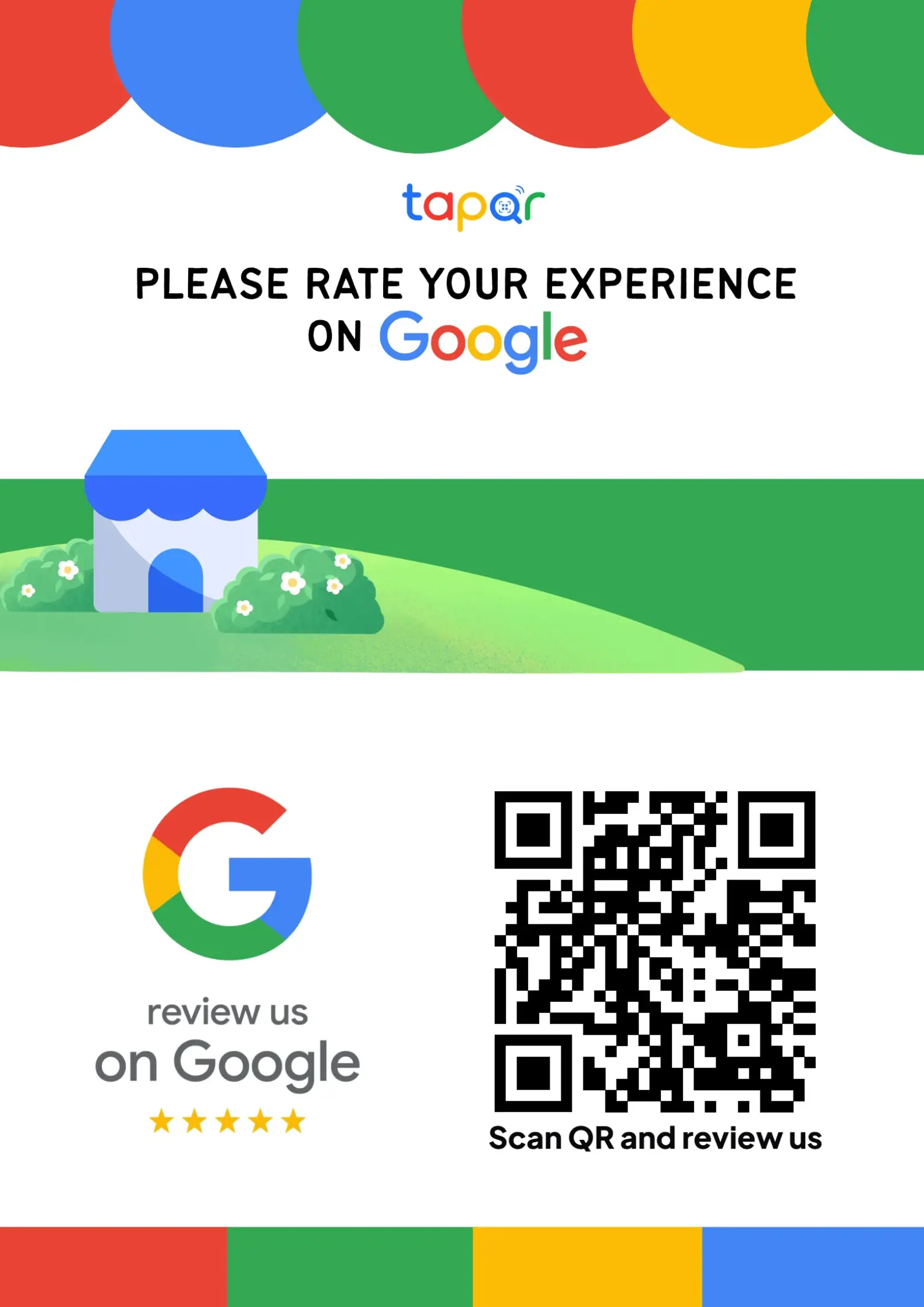
TapQR helps remove the access friction from the review request. It gives businesses a QR code, direct link and printable prompt that customers can use from a phone.
- Create QR-based access to the Google review destination.
- Use printed prompts at key customer touchpoints.
- Support optional AI-assisted draft help while keeping review choice with the customer.
A simple path from setup to customer review
Use TapQR as the access layer between your physical customer moment and your Google review destination.
-
01
Map the customer exit point
Find where customers are most likely to pause after service.
-
02
Place the TapQR prompt
Add the QR code to that counter, desk, table or message.
-
03
Ask with one sentence
Keep the request short and optional.
-
04
Review and adjust
Move prompts or update staff habits based on what works.
Why this approach is healthier
Customer-friendly
The request is easy to understand and does not pressure the customer.
Repeatable for staff
The workflow fits daily operations instead of a one-time campaign.
Clear across channels
The same review destination can support print and digital follow-up.
Review prompts for different businesses
Each business type has different moments where the request feels natural.
- Restaurants after billing
- Salons after service completion
- Clinics at reception checkout
- Hotels during guest checkout
- Gyms at the membership desk
- Retail stores at pickup or billing
Avoid review gating and manipulation
Review growth should protect the credibility of your business.
Ask for honest feedback
Do not tell customers what rating to give or what words to use.
Do not hide negative paths
Filtering unhappy customers away from public review options can create trust and policy issues.
Do not rely on fake urgency
A calm, optional request is better than forcing the customer to review immediately.
Keep learning from feedback
Use review themes to improve the business, not only to collect more stars.
Continue building a better review journey
Use these guides to connect the page topic with other TapQR review workflows.
Questions people ask about this topic
Short answers for business owners comparing review links, QR codes, cards and staff workflows.
How can a small business increase Google reviews?
Ask customers consistently after good experiences, use a direct review link or QR code and train staff to make a short, respectful request.
Is it safe to ask customers for Google reviews?
Yes, as long as the request is for honest feedback and does not involve pressure, rewards for ratings or filtering customers.
Do review QR codes work for local businesses?
They can help local businesses reduce friction, especially when most customer interactions happen in person.
How often should staff ask for reviews?
Ask at suitable moments after real customer interactions rather than repeatedly asking the same person.
Can TapQR increase reviews automatically?
TapQR does not guarantee automatic review growth. It makes the review path easier for customers to access.
What is the biggest mistake businesses make?
They ask too late, use vague instructions or make customers search manually for the review page.
Make review collection easier for your business
TapQR helps you place a clear QR review path where customers are most ready to use it.