
Review Growth Guide
How to Get More Google Reviews for Your Business
More Google reviews usually come from a simple, repeatable process. The easier the path feels for a happy customer, the more likely they are to complete it while the visit is still fresh.
- Ask after a positive moment
- Remove the search step
- Make the review prompt easy to see

The shortest answer: make reviews easier to start.
To get more Google reviews, focus on timing, clarity and convenience. Ask customers after a good experience, give staff a natural phrase to use, and provide a direct way to reach the review destination.
A visible QR code at the counter, table, reception desk or invoice area can reduce friction because the customer does not need to search for your business listing first.
Why satisfied customers often leave without reviewing
Most review gaps are not caused by unhappy customers. They happen because the request is vague, delayed or too difficult to act on in the moment.
The moment passes quickly
A customer may leave pleased with the service, but once they are outside your location, other tasks take over. The review becomes something they meant to do later.
The path feels too long
Searching for the business, finding the right listing and opening the review box creates enough friction for many people to stop.
Staff ask inconsistently
If every team member asks in a different way, review collection becomes dependent on memory instead of a repeatable process.
Practical ways to earn more reviews
Strong review collection starts with a real customer experience and then removes the small steps that prevent people from acting.
Improve the experience first
No tool can replace good service. Make sure customers have a genuine reason to share a useful review.
Ask at the right moment
The best time is usually just after the customer thanks your team, completes checkout, receives the order or finishes the service.
Use visible physical prompts
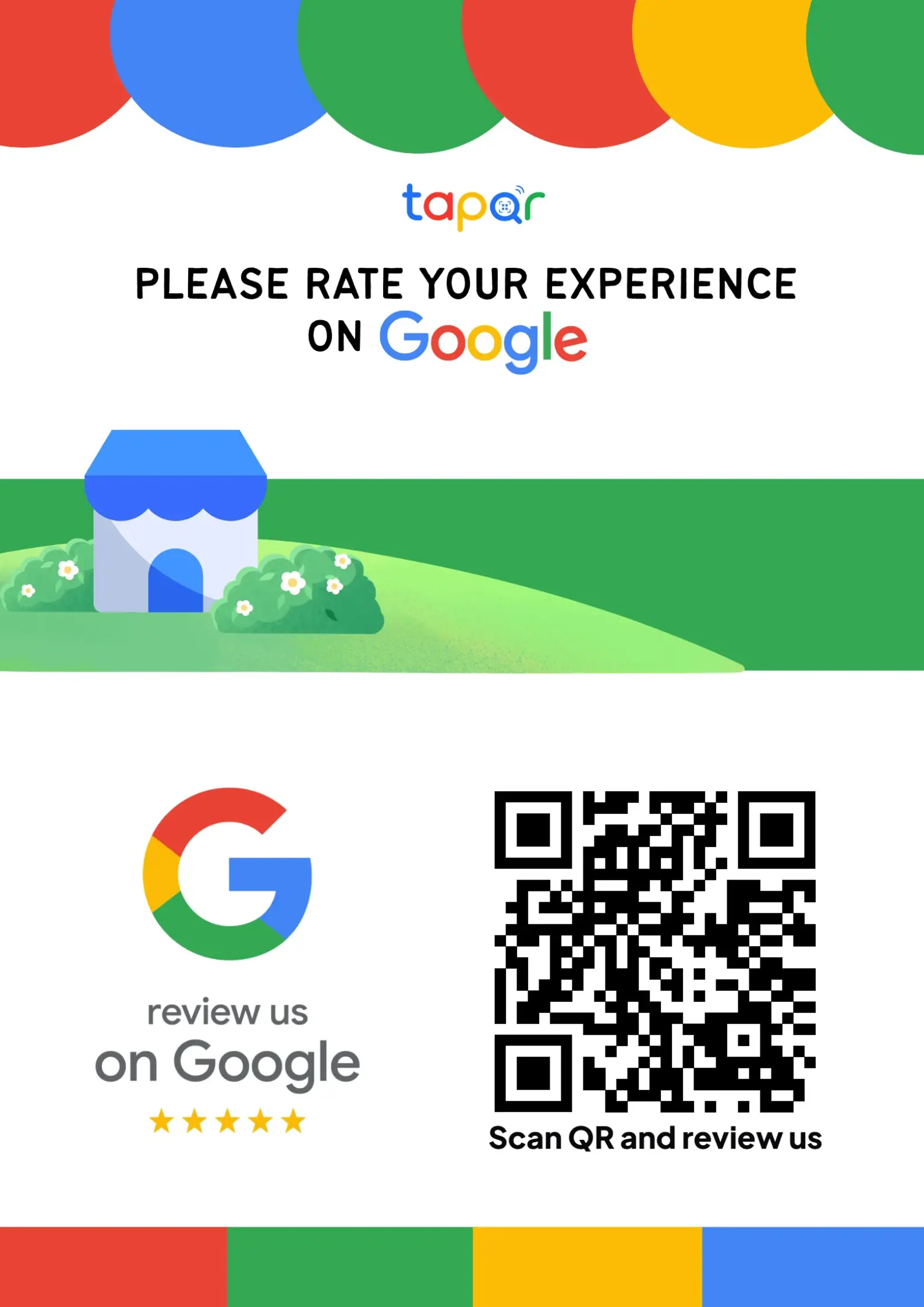
Place a QR poster, card or stand where the customer naturally pauses, such as a billing counter or reception desk.
Follow up with care
A short follow-up link can help, but it should feel helpful and optional rather than automated pressure.
How TapQR simplifies review access
TapQR helps businesses create a QR-based path to their Google review destination. It supports direct review links, printable QR posters and optional AI-assisted review drafts based on details the customer chooses to provide.
- Create a Google review QR code and direct review link for customer-facing touchpoints.
- Use printable poster assets at counters, tables, desks, packaging or invoices.
- Offer optional AI-assisted review drafts while keeping the final review under customer control.
A simple path from setup to customer review
Use TapQR as the access layer between your physical customer moment and your Google review destination.
-
01
Set your destination
Add the Google review destination for your business inside TapQR.
-
02
Place the QR prompt
Display the QR code where customers already interact with your team.
-
03
Ask naturally
Train staff to point to the QR code after a positive service moment.
-
04
Customer opens Google
The customer scans and reaches the review flow without manually searching.
Benefits of a repeatable review process
Less friction
Customers can start from a scan instead of searching your business name.
Better staff consistency
The team has one clear review prompt to mention during checkout or service wrap-up.
Useful customer timing
The request happens while the experience is still clear in the customer mind.
Real-world places to ask
The best touchpoint depends on how your customer journey ends.
- Billing counters after payment
- Reception desks after an appointment
- Restaurant tables after a good meal
- Packaging inserts for takeaway orders
- Invoice or receipt areas
- Post-service follow-up messages
Best practices that keep review requests healthy
Review collection should feel respectful, transparent and easy.
Ask without pressure
Use language like, If the experience was helpful, your review would mean a lot. The customer should feel free to decide.
Avoid review gating
Do not filter customers by sentiment before asking. A fair review process should welcome genuine feedback.
Keep the link tested
Check your review destination regularly so staff do not point customers to a broken or outdated link.
Do not over-ask
Make the request once at a good moment. Repeated reminders can make a positive experience feel transactional.
Continue building a better review journey
Use these guides to connect the page topic with other TapQR review workflows.
Questions people ask about this topic
Short answers for business owners comparing review links, QR codes, cards and staff workflows.
What is the best way to get more Google reviews?
The best way is to give customers a good experience, ask at the right moment and make the review page easy to reach through a direct link or QR code.
When should I ask a customer for a Google review?
Ask soon after a positive interaction, such as checkout, service completion, order pickup or a thank-you from the customer.
Can I offer a discount for Google reviews?
Avoid incentives tied to reviews or ratings. A healthier approach is to ask for honest feedback and make the process easier.
Do QR codes help businesses get more reviews?
QR codes can help by reducing the steps needed to reach the review destination, especially in physical locations.
Does TapQR guarantee more Google reviews?
No. TapQR does not guarantee reviews. It helps reduce friction so real customers can reach the review flow more easily.
Where should I place a review QR code?
Place it where customers pause naturally, such as counters, reception desks, tables, packaging, receipts or waiting areas.
Make Google reviews easier with TapQR
Create a review QR journey that customers can understand quickly at the counter, table, reception desk or follow-up touchpoint.