
QR vs NFC Guide
Google Review QR Code vs NFC Review Card: Which Should You Use?
A QR review card is usually the simplest starting point because customers can scan it with a phone camera. NFC can feel faster for tap interactions, but it depends on device support, placement, cost and how comfortable customers are with tapping a card.
- QR is easier to print widely
- NFC can be fast at premium touchpoints
- Many businesses use both
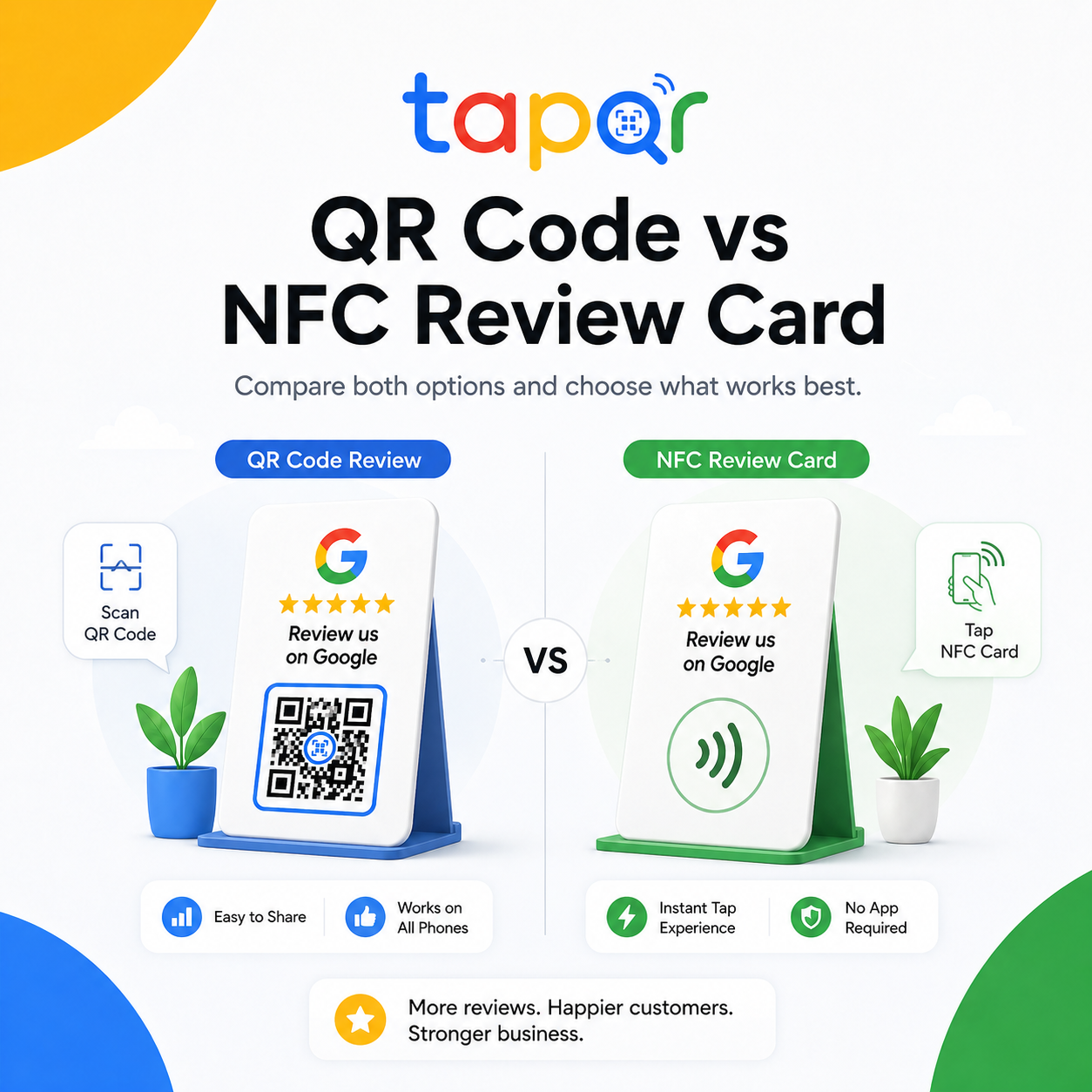
Choose QR for broad compatibility, NFC for tap-first touchpoints.
For most businesses, a Google review QR code is easier to deploy on posters, receipts, cards and packaging. It is visible and explains the action on the surface itself.
NFC can work well on a desk card, counter card or premium business card when staff can say tap here. It is less useful on receipts, distant posters or places where customers may not know the card has a chip.
Why the choice matters
QR and NFC are not just different technologies. They create different customer behaviors.
QR is visible
Customers can see the code and understand there is something to scan.
NFC is invisible
Unless the card is clearly labeled, customers may not know they should tap it.
Placement changes the winner
A wall poster favors QR. A staffed checkout desk may support both QR and NFC.
How to decide between QR and NFC
Base the choice on customer setting, not only on the card material.
Use QR for print-heavy placements
Receipts, invoices, posters, table cards and packaging need a visible code that works from a glance.
Use NFC for close tap moments
A desk card, agent card or showroom handover card can support NFC when the customer is nearby.
Use both for premium cards
A card can show a QR code and also include NFC so customers can choose scan or tap.
Test with real customers
Ask staff which action customers understand faster: scan the QR or tap the card.
QR review card vs NFC review card
This table helps choose the format for common Google review touchpoints.
| Decision point | QR review card | NFC review card |
|---|---|---|
| Customer action | Open camera and scan a visible code. | Tap phone near the card or chip area. |
| Best placements | Posters, receipts, table tents, packaging, invoices and counters. | Desk cards, agent cards, showroom handover and staffed counters. |
| Visibility | The code is visible and can be labeled clearly. | The tap area needs clear text or staff explanation. |
| Print flexibility | Easy to add to many printed formats. | Requires NFC-enabled material or a separate NFC tag. |
| Customer comfort | Familiar for menus, payments and documents. | Fast when customers know how to tap, but some may hesitate. |
| Best starter choice | Good first option for most local businesses. | Good add-on for premium cards or high-touch service moments. |
Simple ways staff can phrase the request
Use these as starting points, then let staff speak naturally.
QR-first wording
You can scan this code to open our Google review page.
NFC wording
You can tap the card or scan the QR code, whichever is easier.
Staffed counter
This card opens our review page by tap or scan if you would like to share feedback.
Using TapQR with QR or NFC cards
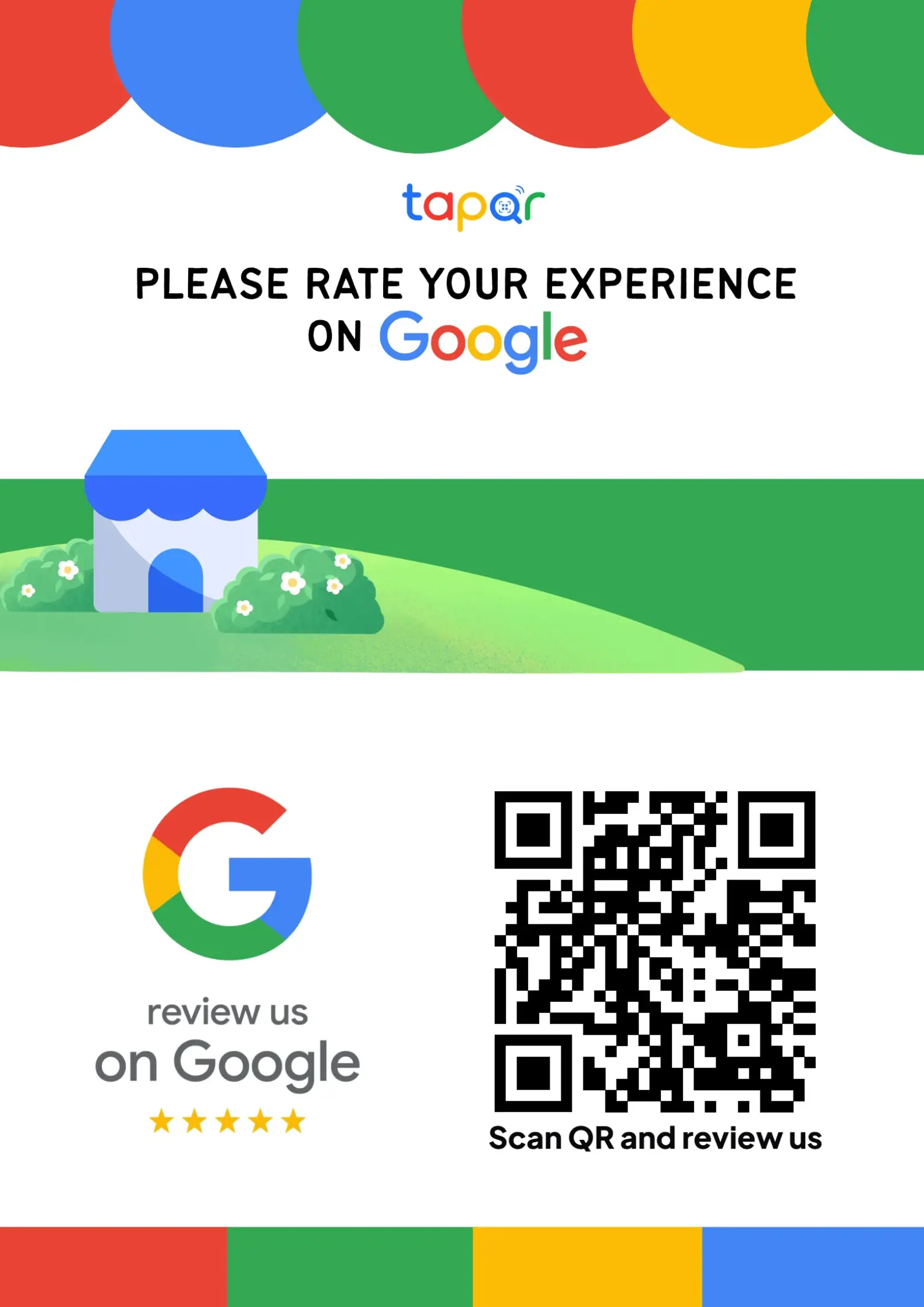
TapQR provides the review destination that can sit behind a QR code and, if your card supplier supports it, an NFC tap. The customer should still see clear wording and choose whether to leave a review.
- Use TapQR as the review destination for QR cards, posters and direct links.
- Use the same destination behind NFC cards when you want a tap option.
- Keep a visible QR code as a fallback on NFC cards when possible.
A simple path from setup to customer review
Use TapQR as the access layer between your physical customer moment and your Google review destination.
-
01
Choose the touchpoint
Decide whether the customer will scan from print or tap a nearby card.
-
02
Create the review destination
Set up the Google review path with TapQR.
-
03
Add QR, NFC or both
Build the physical card or poster around the customer action.
-
04
Test before rollout
Scan and tap on multiple phones before staff use it with customers.
Benefits of choosing the right format
Clearer customer action
Customers know whether to scan, tap or choose either.
Less wasted printing
The format matches the placement before you order cards.
Better fallback planning
A visible QR code can support customers who do not use NFC.
When to use each format
Some businesses need only QR. Others benefit from a dual card.
- QR on receipts and invoices
- QR on cafe table cards
- QR on takeaway packaging
- NFC on real estate agent cards
- NFC plus QR at car delivery desks
- QR plus NFC at spa or salon reception
Best practices for QR and NFC review cards
The best card is the one customers understand without effort.
Label the action
Use Scan to review or Tap or scan to review instead of leaving the card unexplained.
Do not remove the QR fallback too quickly
Some customers may not use NFC or may have NFC disabled.
Keep the review request honest
The technology should open the review path, not influence the rating or wording.
Test the physical card
Do not rely only on a design proof. Test the printed QR and the NFC tag.
Continue building a better review journey
Use these guides to connect the page topic with other TapQR review workflows.
Questions people ask about this topic
Short answers for business owners comparing review links, QR codes, cards and staff workflows.
Is a Google review QR code better than NFC?
QR is usually better for broad printed use. NFC can be faster for close tap interactions, especially on staffed counters or premium cards.
Can a review card have both QR and NFC?
Yes. A dual card can let customers scan or tap, which is useful when you want NFC but still need a visible fallback.
Is NFC useful for receipts or posters?
Usually no. QR is more practical for receipts, invoices, packaging and posters.
Does TapQR support NFC cards?
TapQR can provide the review destination that can be used behind an NFC card if your physical card or tag supports NFC.
Which is better for small businesses?
Most small businesses should start with QR because it is visible, easy to print and works across more placements.
Choose the review card format customers will actually use
TapQR gives you the Google review destination for QR codes, review cards and tap-friendly customer touchpoints.