
Real Estate QR Guide
Google Review QR Code for Real Estate Agents and Realtors
Real estate reviews usually come after trust-heavy moments: site visits, deal closure, rental handover, property documentation, client support and WhatsApp follow-up. A QR code should make that review path easy without interrupting negotiations.
- Agent business card QR
- Closing and handover moments
- WhatsApp follow-up links
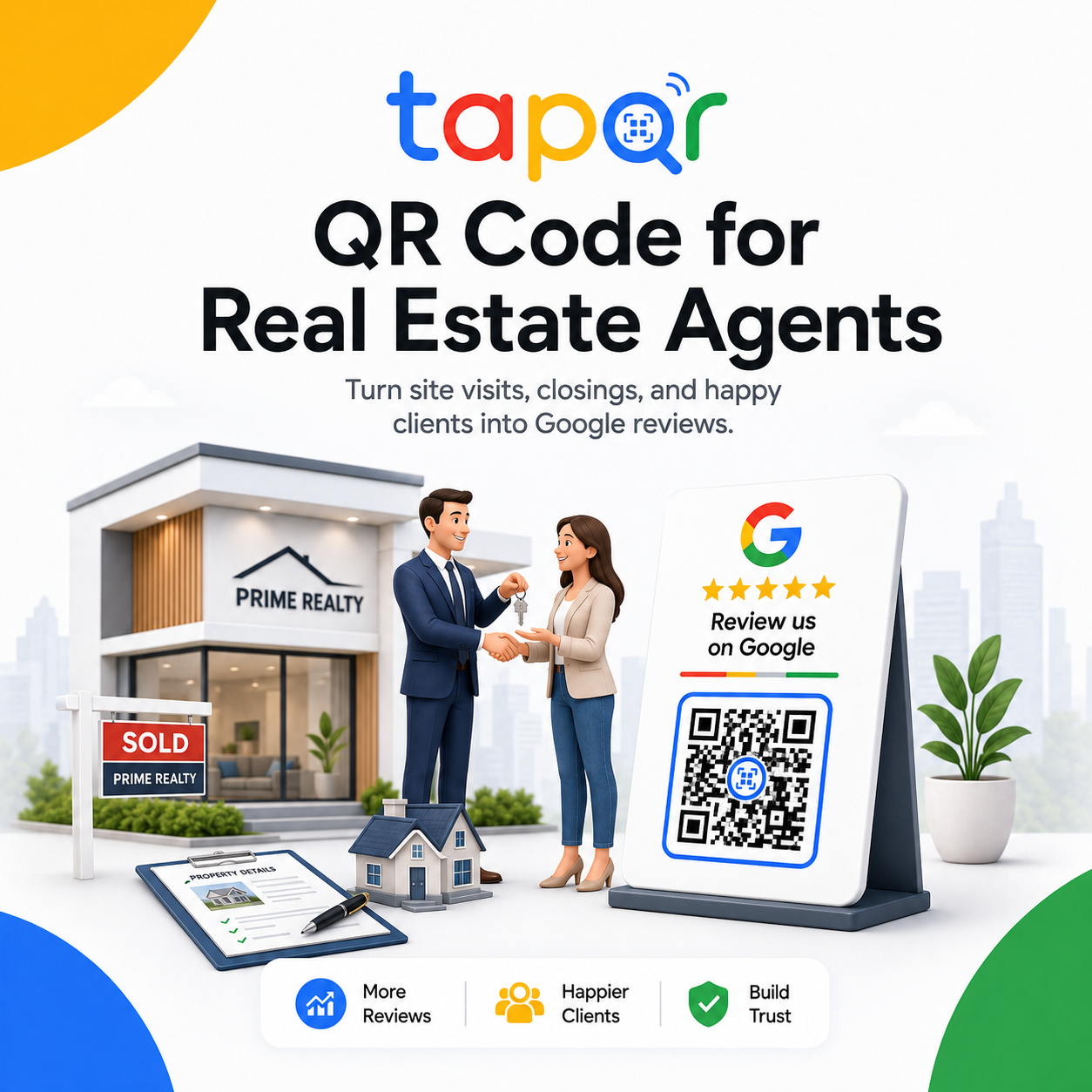
Use QR codes after a meaningful client milestone.
For real estate agents, the best review moments are usually after the client has received clear help: a successful site visit, shortlist support, rental agreement, purchase closing or post-handover assistance.
The QR can sit on an agent business card, property folder, handover checklist or follow-up message so clients can review later when they have time.
Why real estate review requests need careful timing
Property decisions involve negotiation, family input, paperwork and large financial stakes. A review request should never feel tied to a deal decision.
Decisions take time
A client may need days or weeks before they know what part of the service they want to review.
Negotiations are sensitive
Asking during price, commission or document discussions can feel poorly timed.
Agent and agency brands overlap
The QR destination should match whether the review is for the agent, office or agency profile.
Real-estate-specific QR workflow
Use review prompts that fit relationship-based work.
Business card QR
Add the review QR to the back of the agent card with a short line for past clients.
Site visit follow-up
Send the review link only after the client has received useful help, not after every viewing.
Closing or rental handover
Place a QR card in the handover folder or checklist after documents are complete.
WhatsApp thank-you
Use a direct review link in a short follow-up message when the client is ready to reflect.
Simple ways staff can phrase the request
Use these as starting points, then let staff speak naturally.
After closing
Thank you for trusting me with the process. If you would like to share your experience, this QR opens my Google review page.
After site visits
I hope the shortlist was useful. Here is my review link if you would like to leave feedback later.
Business card handover
The QR on my card is for past-client feedback whenever the timing feels right.
TapQR for real estate review links and QR cards
TapQR helps agents and real estate teams create a review QR code and direct link for business cards, closing folders, WhatsApp follow-ups and client handovers.
- Use one review destination on agent cards and digital follow-ups.
- Keep review asking respectful around negotiation and documentation.
- Give clients an easy path to review after the service has real value.
A simple path from setup to customer review
Use TapQR as the access layer between your physical customer moment and your Google review destination.
-
01
Choose the review profile
Decide whether reviews should go to the agent, office or agency listing.
-
02
Create the TapQR path
Generate a QR code and direct link for the chosen profile.
-
03
Add to cards and folders
Use business cards, site visit kits, closing folders and handover documents.
-
04
Follow up at the right time
Send the link after useful service or completion, not during active negotiation.
Benefits for real estate agents
Fits referral-driven work
A review QR card gives satisfied clients an easy next step after a relationship-based service.
Works with WhatsApp habits
The same review link can be shared after site visits, closings and handovers.
Supports personal branding
A clean QR on the business card connects offline networking to online credibility.
Real estate QR use cases
Use review prompts around milestones, not pressure points.
- Agent business card back side
- Property closing folder
- Rental handover checklist
- Post-site-visit WhatsApp follow-up
- Client thank-you email
- Office reception card for walk-in clients
Best practices for agents and realtors
Make the review request feel like a courteous follow-up, not a sales tactic.
Do not ask during price negotiation
Wait until the client has received clear value or the process is complete.
Protect client privacy
Do not ask clients to reveal purchase price, address or sensitive personal details in a public review.
Use client-friendly wording
Ask for feedback about guidance, communication and support rather than a scripted statement.
Match the profile carefully
Teams should avoid sending agent reviews to the wrong branch or agency listing.
Continue building a better review journey
Use these guides to connect the page topic with other TapQR review workflows.
Questions people ask about this topic
Short answers for business owners comparing review links, QR codes, cards and staff workflows.
Can real estate agents use Google review QR codes?
Yes. QR codes can be used on business cards, closing folders, office desks and follow-up messages to help clients reach the review page.
When should a realtor ask for a Google review?
Ask after a meaningful milestone such as helpful site visits, successful closing, rental handover or post-service support.
Can I put the QR code on my business card?
Yes. The back of an agent business card is a useful place for a review QR code and short prompt.
Should clients mention property details?
Clients should choose what to share. Agents should avoid asking for private addresses, prices or sensitive details in public reviews.
Can TapQR be sent through WhatsApp?
Yes. Use the direct review link in WhatsApp follow-ups and the QR code on printed cards.
Create a real estate review QR path
TapQR helps agents use Google review QR codes on business cards, closing materials and client follow-up messages.