
India Review Card Guide
Google Review Card India: QR Cards That Help Customers Leave Reviews
A Google review card gives customers a visible, physical reminder to scan and open your review page. In India, it works especially well at billing counters, reception desks, cafe tables, delivery packets and agent business cards.
- Counter cards and table tents
- Business-card friendly QR layout
- Short wording for honest feedback
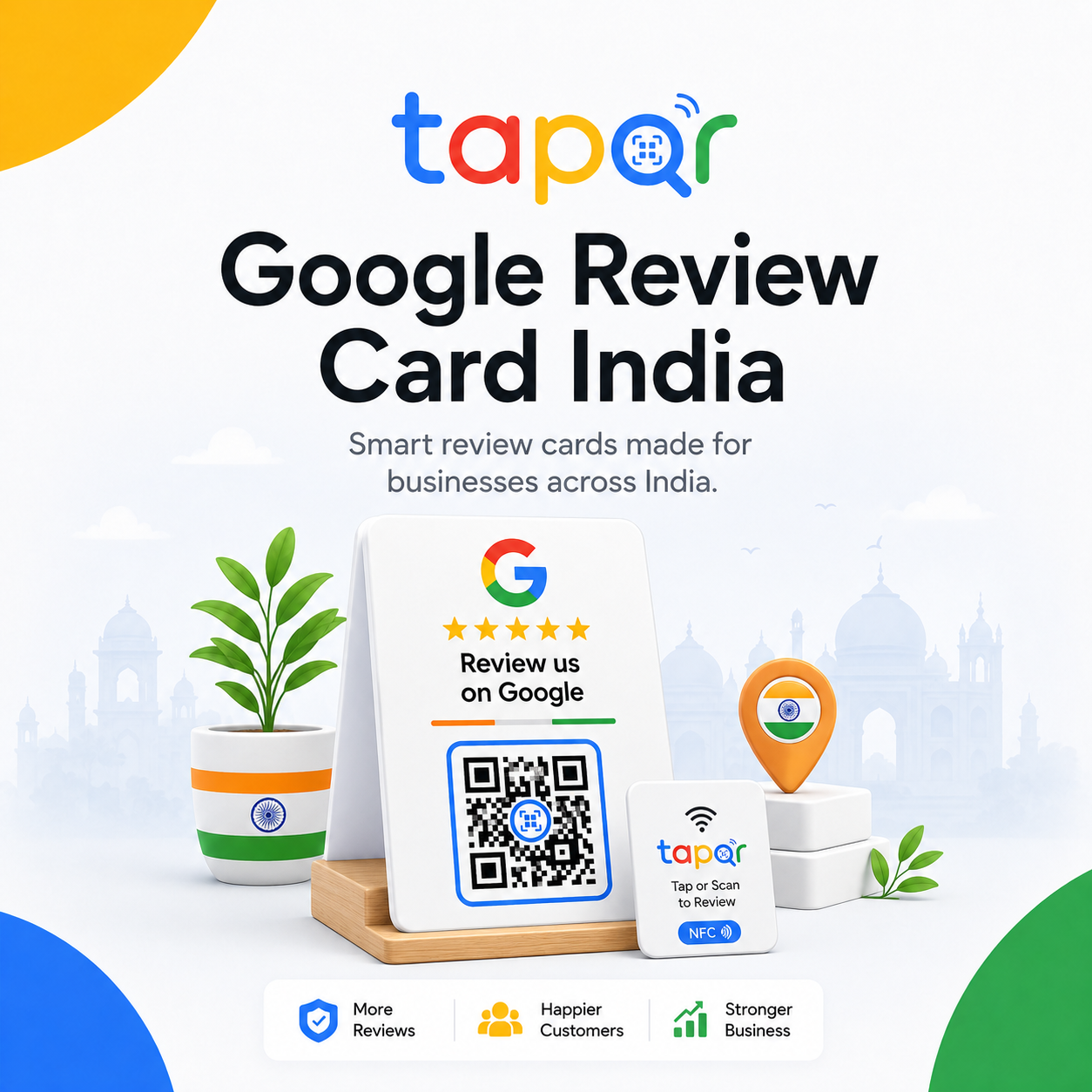
A review card is the physical home for your review QR code.
The card can be a tabletop tent, acrylic insert, printed business card, receipt insert or small poster. The important parts are the QR code, a clear review prompt and enough space around the code for scanning.
For Indian businesses, review cards often work best when they sit near payment, service completion or handover rather than in a decorative corner.
Why many printed review cards underperform
The problem is usually not the card itself. It is unclear wording, weak placement or a QR code that is hard to scan.
Too much information
Cards packed with offers, social handles and long messages make the review action easy to miss.
Poor physical durability
Thin paper cards can bend, stain or fade quickly at counters and tables.
No staff cue
A card works better when staff briefly point to it after a positive interaction.
How to design a useful Google review card
Think of the card as a small customer interface, not just a printed advertisement.
Use one clear headline
A simple line such as Share your experience on Google is easier than a clever slogan.
Give the QR code space
Keep a quiet area around the QR and avoid placing it over patterns or glossy busy artwork.
Match the card to the touchpoint
Use table tents for cafes, counter cards for shops, reception cards for clinics and business-card backs for agents.
Add a short honest-review note
The copy should invite genuine feedback, not ask for a guaranteed rating.
Simple ways staff can phrase the request
Use these as starting points, then let staff speak naturally.
Shop counter
If you liked the service today, this card opens our Google review page. Your honest feedback helps us.
Cafe table
You can scan the card whenever you are ready and share your experience on Google.
Business card
The QR on my card opens my Google review page if you would like to share feedback later.

Using TapQR with review cards
TapQR helps you create the review destination behind the card. You can use the QR code on a printed card, tabletop stand, counter display or your own business card design.
- Create a Google review QR code for printed review cards.
- Use a direct review link when the same request is sent digitally.
- Support optional AI-assisted drafts for customers who need help phrasing their experience.
A simple path from setup to customer review
Use TapQR as the access layer between your physical customer moment and your Google review destination.
-
01
Create the QR code
Set up the TapQR review path for the correct Google Business Profile.
-
02
Choose card format
Pick a tent card, counter card, insert, sticker or business-card back based on the customer moment.
-
03
Print and test
Scan a sample card under real lighting before printing more.
-
04
Place and mention
Put it where customers pause and let staff mention it naturally.
Advantages of a Google review card
Visible without extra explanation
Customers can understand the action at a glance.
Easy to reuse
The same QR can work across cards, counters and follow-up links.
Fits offline businesses
Cards suit restaurants, shops, salons, clinics, hotels and local services.
Review card formats that work in India
Choose a format that will survive the location and stay easy to scan.
- Acrylic counter card at checkout
- Cafe table tent card
- Back side of an agent business card
- Insert inside delivery packaging
- Small sign beside a UPI QR stand
- Receipt or invoice QR block
Review card best practices
Good cards feel useful, not pushy.
Do not crowd the QR code
Design space is part of scan reliability. Keep the code large, dark and clean.
Avoid incentive language
Do not connect reviews with discounts, freebies or rewards.
Use matte finishes when possible
Heavy glare from glossy cards can make scanning harder under shop lights.
Replace damaged cards
A stained or bent card can make the business look careless.
Continue building a better review journey
Use these guides to connect the page topic with other TapQR review workflows.
Questions people ask about this topic
Short answers for business owners comparing review links, QR codes, cards and staff workflows.
What is a Google review card?
It is a printed card with a review prompt and usually a QR code that opens the Google review destination for a business.
Can I use a review QR on my business card?
Yes. It can work well for agents, consultants and service providers who want clients to leave feedback after the work is complete.
What should a Google review card say?
Use short wording that invites honest feedback, such as Share your experience on Google.
Is a review card better than only sending a WhatsApp link?
A card helps during in-person moments, while a WhatsApp link is useful later. Many businesses use both.
Can TapQR be used on printed cards?
Yes. TapQR provides the QR code and review path that can be used in your card design.
Turn your review link into a useful card
TapQR helps you create the review QR code behind printed cards, stands, receipt inserts and business cards.