
Review Link Guide
Google Review Link: How to Make It Easier for Customers to Leave a Review
A Google review link gives customers a more direct path to your review destination. It is useful online, but it becomes more powerful when customers can also access it from physical touchpoints.
- Share one clear destination
- Avoid long manual searches
- Use links online and QR prompts offline

A Google review link points customers toward your review page.
Instead of telling customers to search for your business and find the review button, you can share a link that opens the review destination more directly.
The easier that link is to reach, the better. On printed materials, a QR code is usually more practical than a long URL.
Common problems with review links
A review link is helpful only when customers can actually use it at the right time.
Long links are hard to type
Printed URLs with many characters are not realistic for customers at a counter or table.
Messages get ignored
A follow-up link can disappear among other notifications if the customer is no longer thinking about the visit.
Old links create confusion
Teams sometimes keep sharing outdated links across posters, receipts and chats.
Where businesses can share review links
Use a mix of digital and physical placements so customers can choose the easiest path.
WhatsApp and SMS
A short thank-you message with a direct link can work well after appointments or delivery.
Receipts and invoices
Printed or digital receipts are useful because the customer already has proof of the visit nearby.
Counter QR posters
A QR code lets customers open the link without typing it.
Website and email
A review link can support post-service follow-up and customer support conversations.
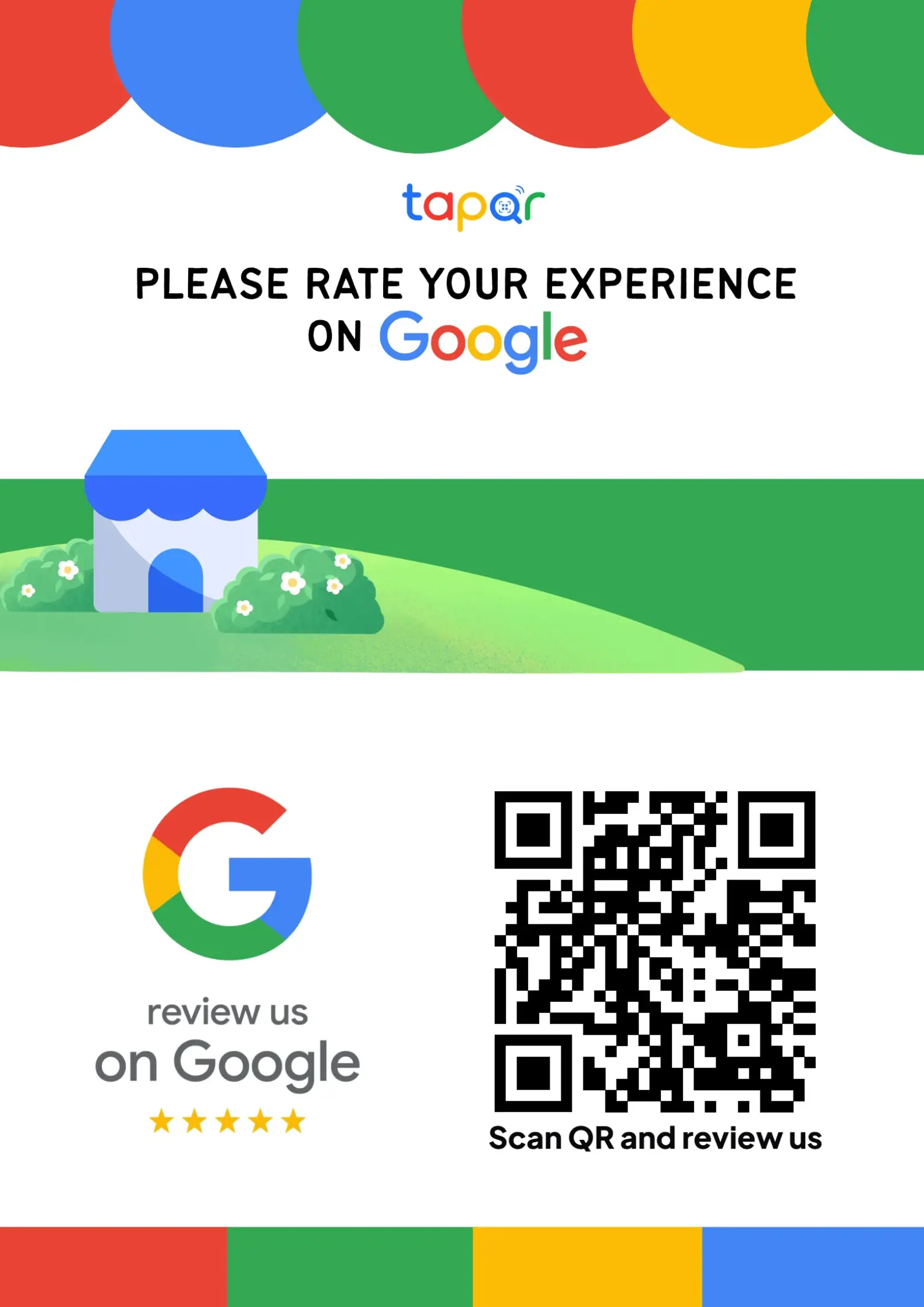
Using TapQR for review links
TapQR connects your business to a direct review destination and makes it easier to present that destination as a QR code, link or printable review prompt.
- Use one review destination behind your QR poster and customer-facing links.
- Place the QR code where customers can scan without typing a long URL.
- Offer optional AI-assisted writing help when customers want help phrasing their own experience.
A simple path from setup to customer review
Use TapQR as the access layer between your physical customer moment and your Google review destination.
-
01
Add the destination
Connect the Google review destination in TapQR.
-
02
Create QR access
Use the generated QR prompt for offline placements.
-
03
Share the link
Use the direct link in follow-ups where a text link makes sense.
-
04
Keep it consistent
Use the same destination across staff, print and digital messages.
Why a cleaner review link matters
Fewer manual steps
Customers do not need to search and compare similar listings.
Better offline usability
A QR code makes the link practical on counters, cards and stands.
Clearer staff workflow
Everyone points customers toward the same destination.
Good places to use a review link
Use links where customers can act immediately or return later without confusion.
- WhatsApp thank-you messages
- SMS appointment follow-ups
- Email receipts
- Printed invoices
- Counter QR posters
- Customer support replies
Review link best practices
A review link should reduce effort without steering the review content.
Label the link clearly
Use anchor text such as Leave an honest Google review instead of a raw URL.
Avoid link overload
One clear CTA is better than several competing links in the same message.
Check the mobile experience
Most customers will use the link from a phone, so test it on both Android and iPhone when possible.
Use a QR code for print
Printed long links are easy to ignore. A scannable QR code is more realistic.
Continue building a better review journey
Use these guides to connect the page topic with other TapQR review workflows.
Questions people ask about this topic
Short answers for business owners comparing review links, QR codes, cards and staff workflows.
What is a Google review link?
It is a link that directs customers toward the Google review destination for your business.
Where should I share my Google review link?
Share it in follow-up messages, receipts, invoices, emails, support replies and behind QR codes on physical materials.
Can I print a Google review link on a card?
You can, but a QR code is usually easier because customers do not need to type a long URL.
Does TapQR create a review link?
TapQR helps businesses connect a review destination and present it through QR codes, direct links and printable prompts.
Should I shorten my Google review link?
A clean link can help in messages, but for print, a QR code is often simpler for the customer.
Can a review link guarantee reviews?
No. A link only reduces friction. Customers still choose whether to leave a review.
Make your review link easier to use
TapQR helps turn a review destination into a scan-ready QR prompt and direct link for real customer touchpoints.